How to Add a Contact | Quick Admin Guide
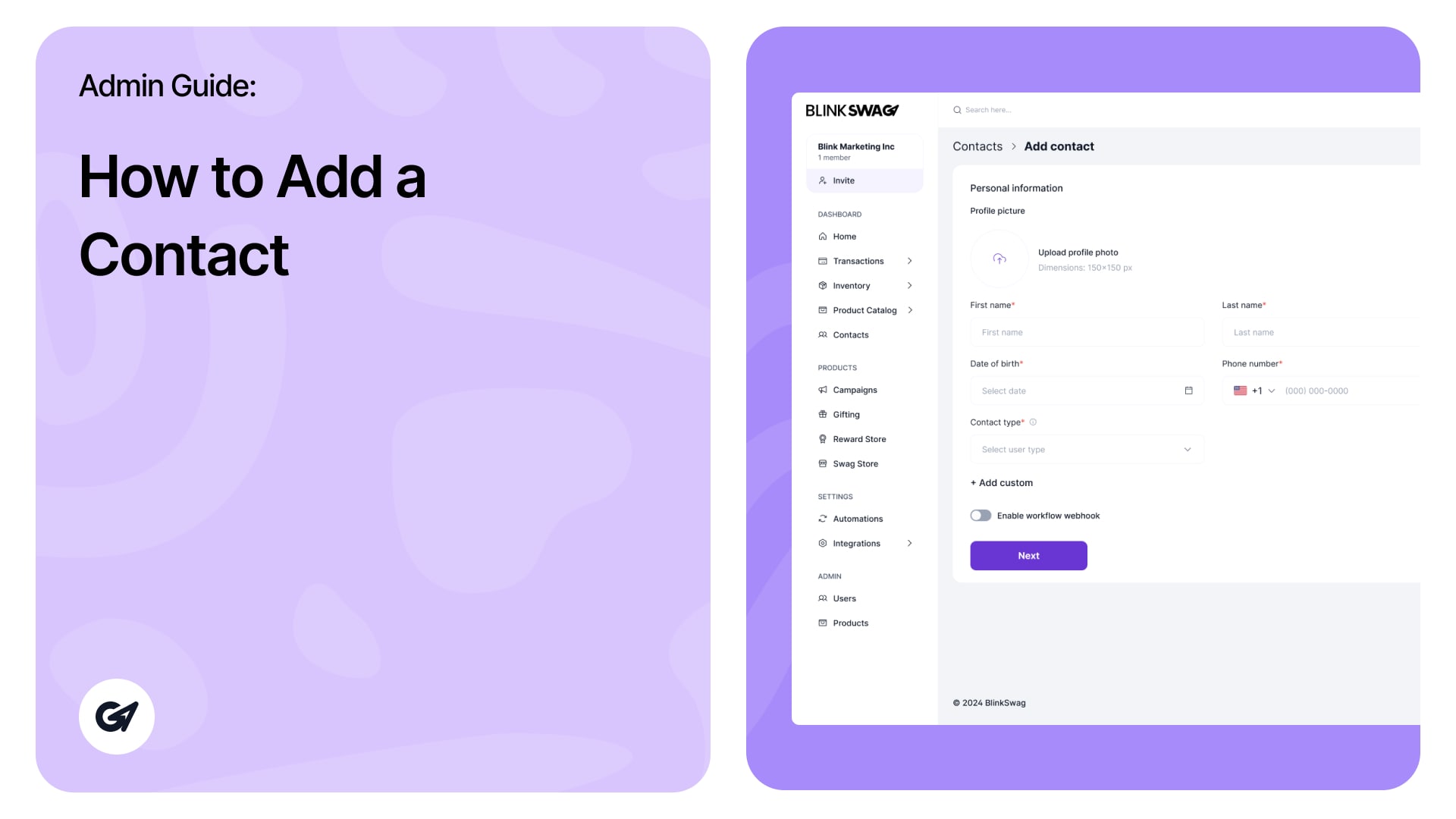
Ready to roll with new contacts? ? You can also watch this quick video to learn how to add a new contact in BlinkSwag — it’s easier than you think! ?? Add a New Contact To add a contact click …
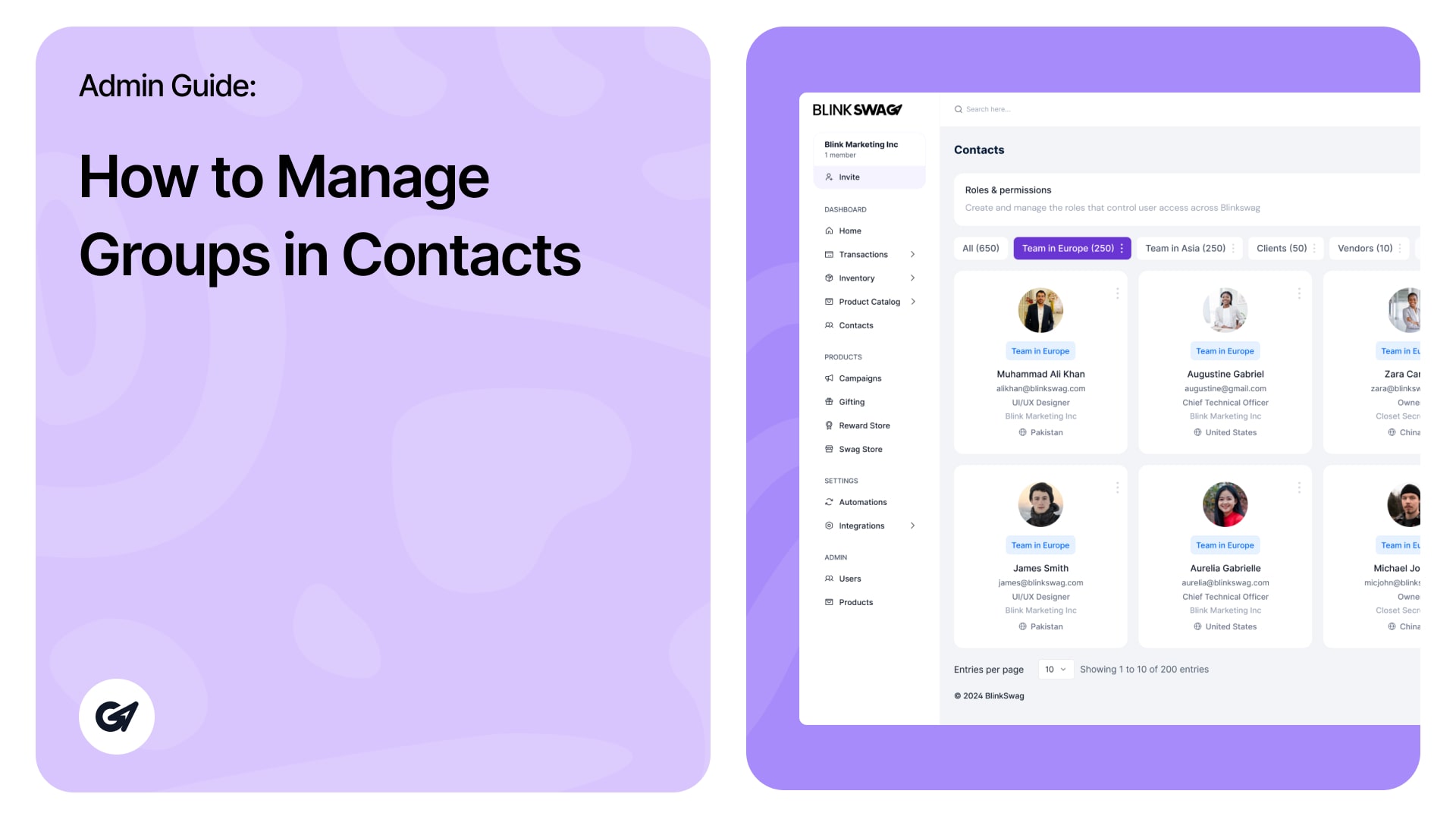
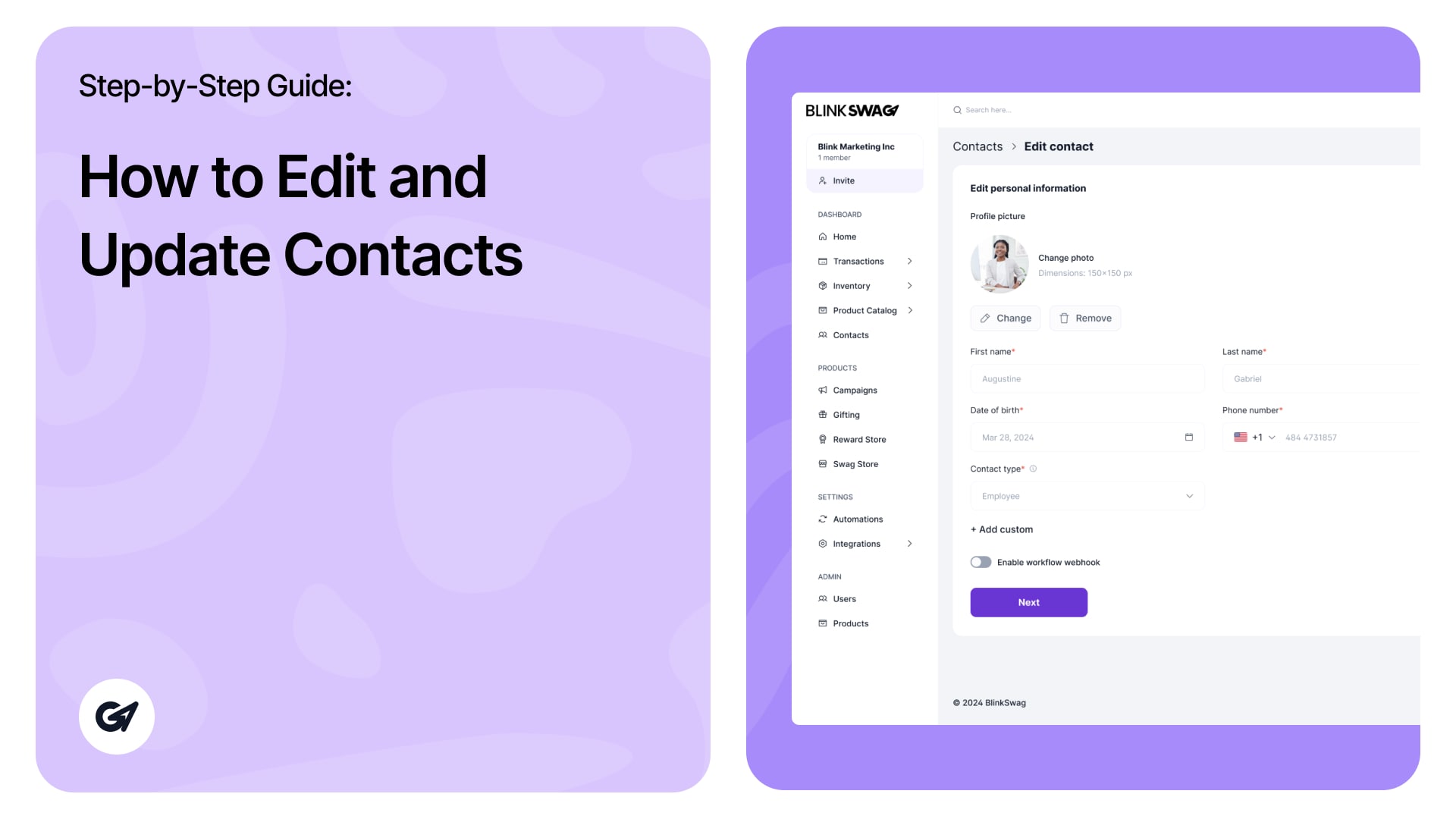
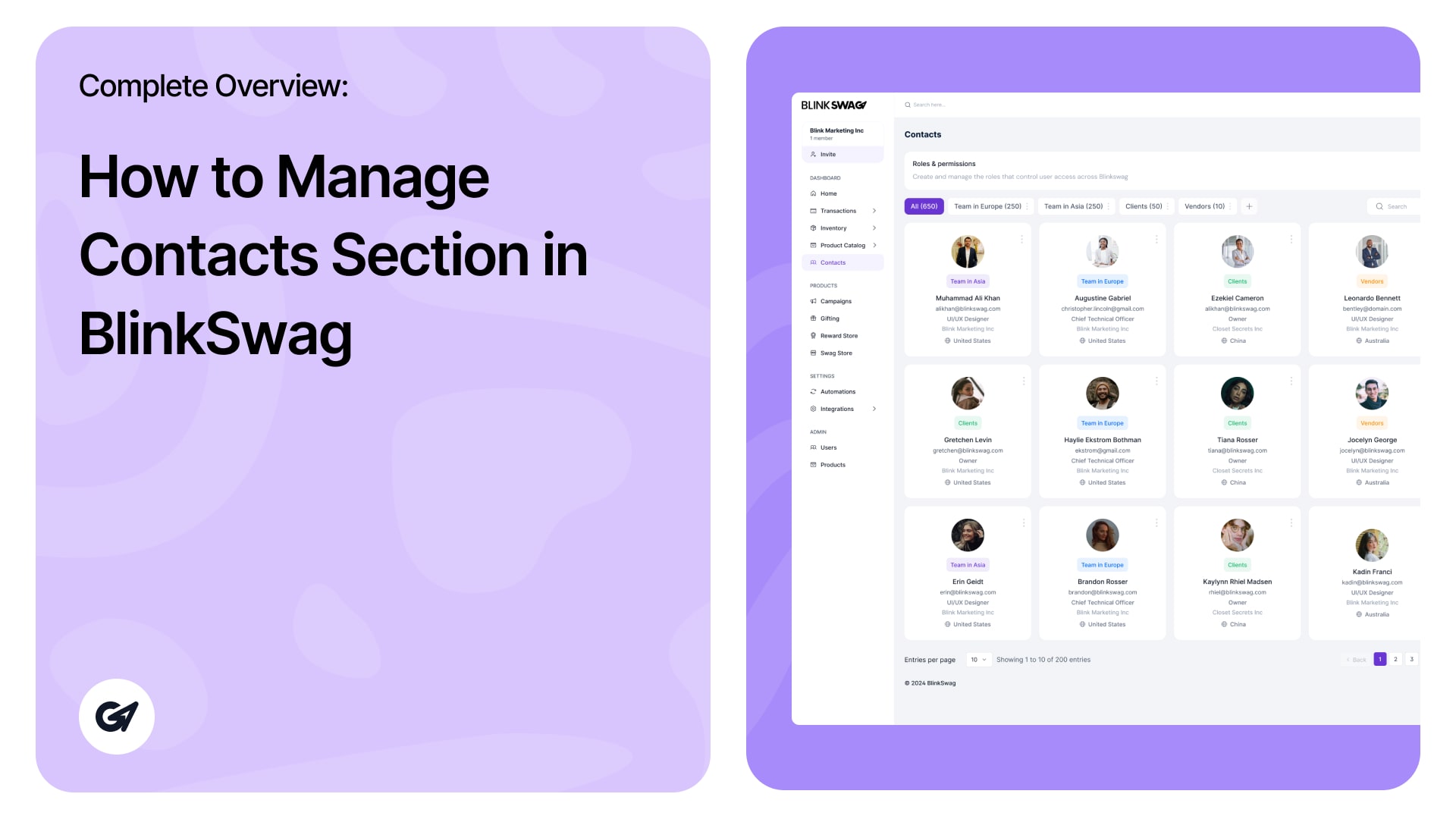
Manage & Update Contact Information In the Contacts section of BlinkSwag, you can easily update contact information and manage actions. Each contact is displayed in a card view for quick viewing and easy management. The contact card provides essential information …
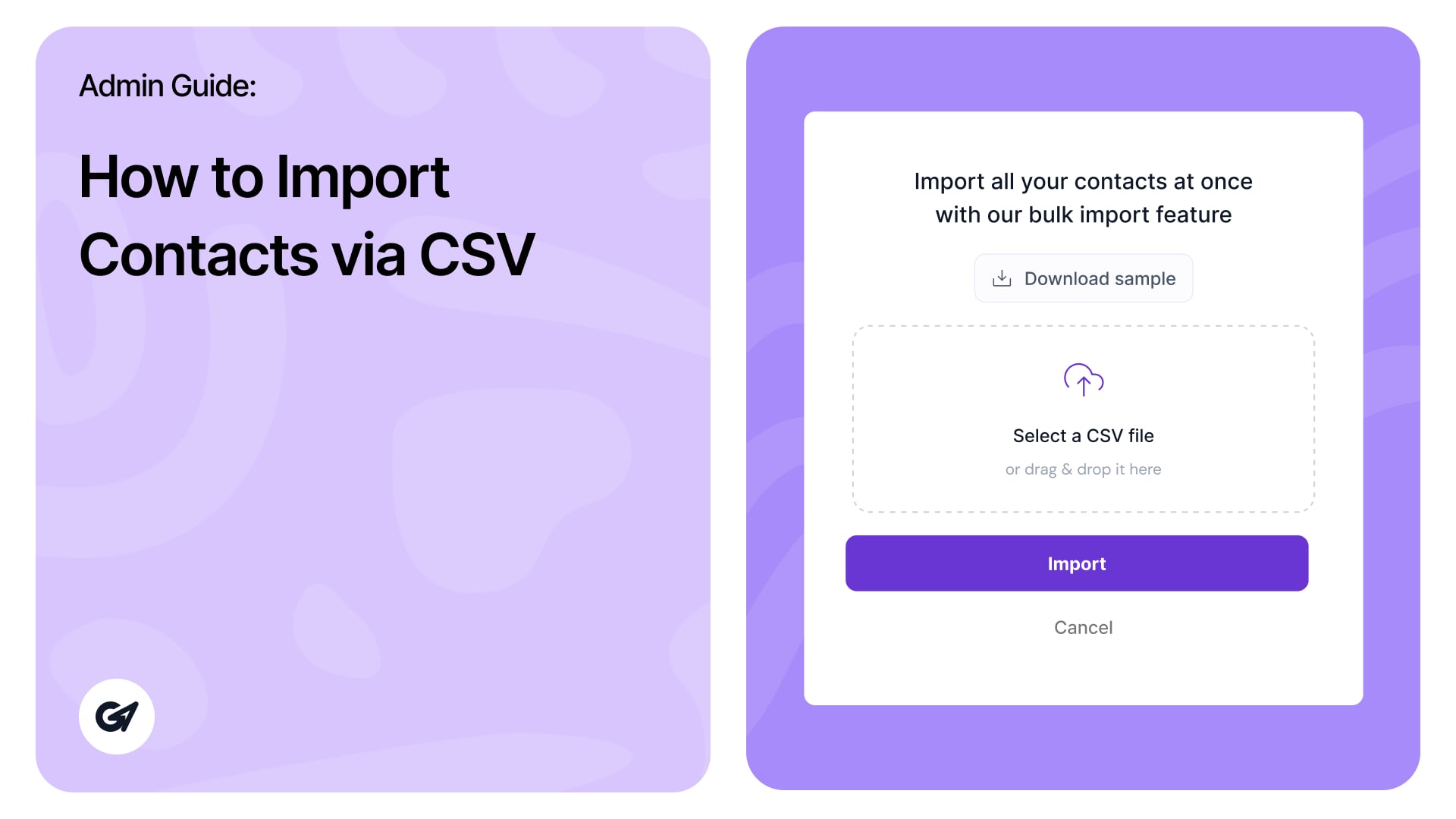
The Contacts Section in BlinkSwag provides a centralized interface to effectively manage and organize your contacts. This guide outlines all features, including new additions to the module’s functionality. 1. Accessing the Contacts Section Navigate to the Contacts section via the left-hand …
How to Manage Contacts Section in BlinkSwag | Complete Overview Read more »
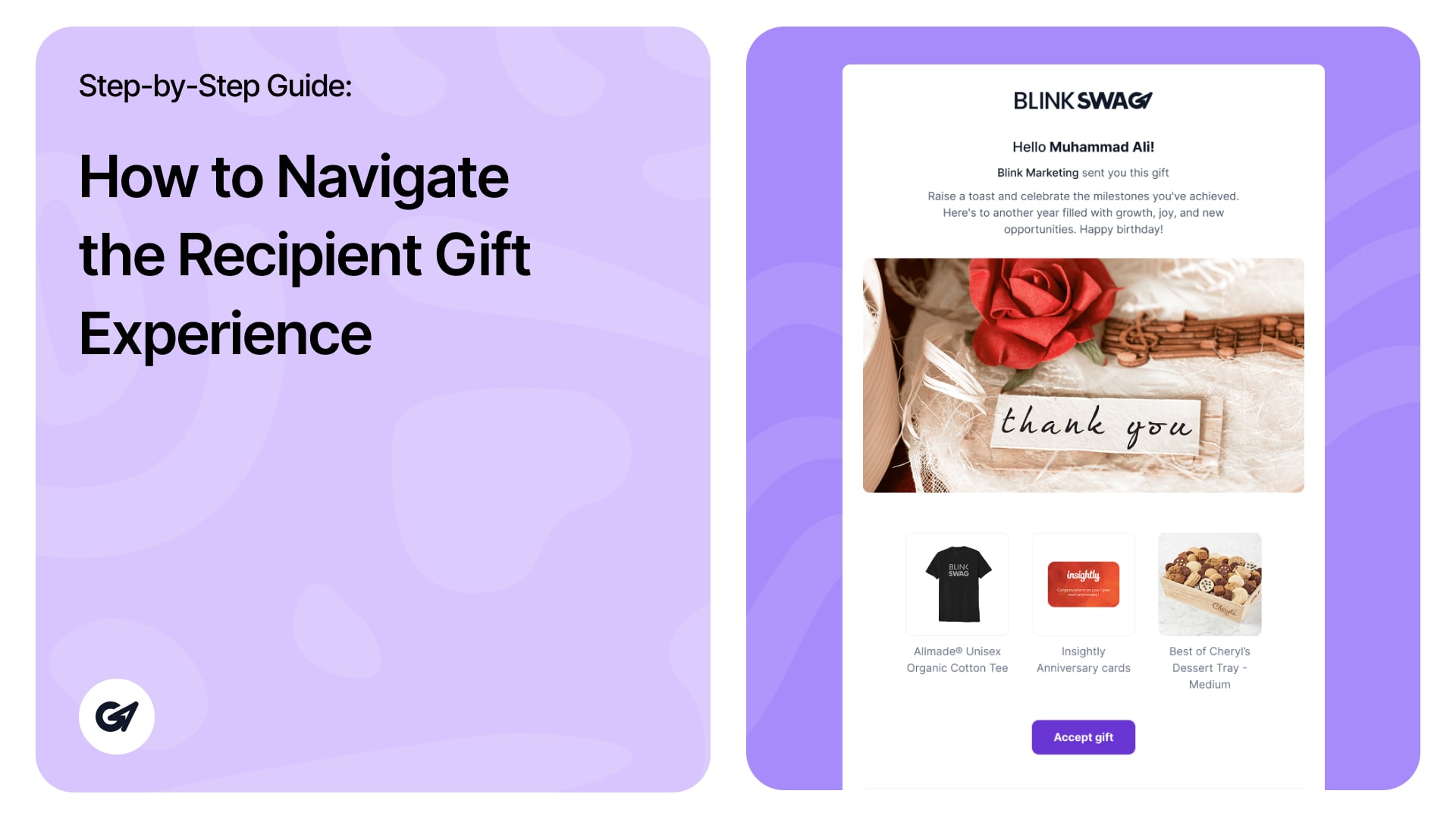
Recipient Gift Experience When recipients click the Gift Link, they go through the following flow to open and accept their gift. ? Step 1: Gift Notification Page The recipient sees a welcome message: “Hello [Name], BlinkSwag sent you this gift” …
How to Navigate the Recipient Gift Experience | User Guide Read more »
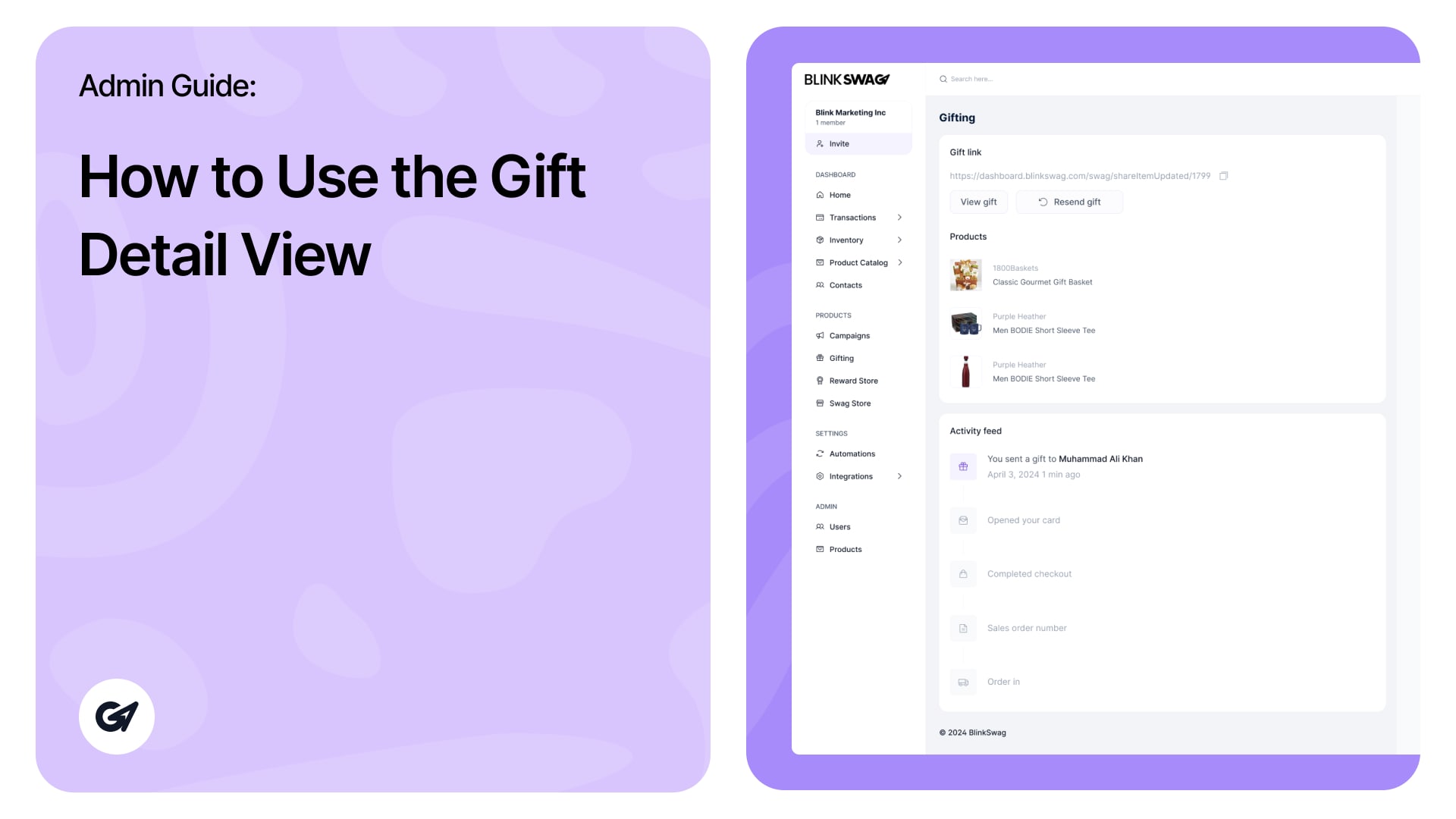
? Gift Detail View—Admin Guide You’ll be taken to the Gift Detail View when you click on a specific gift card from the gifting dashboard. Here’s how to understand and use the different sections: ? Gift Link Gift link URL: …
How to Use the Gift Detail View | BlinkSwag Gifting Guide Read more »
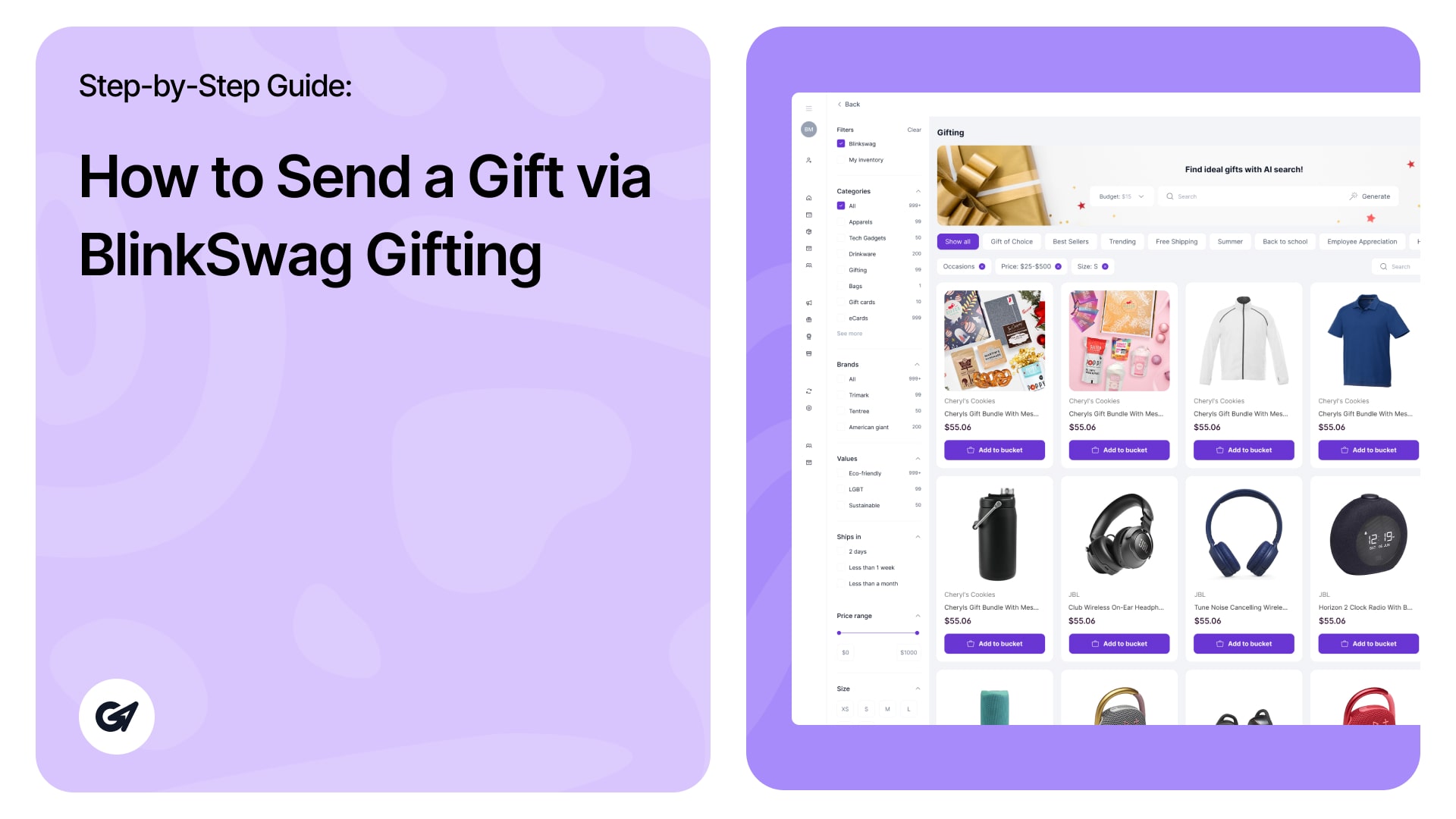
Click the “Send a gift” button at the top-right corner to initiate a new gift. ✅ Step 1: Select a Product Browse the available gifts under the Gifting section. Use category filters on the left to narrow down options (e.g., …
How to Send a Gift via BlinkSwag Gifting | Step-by-Step Guide Read more »
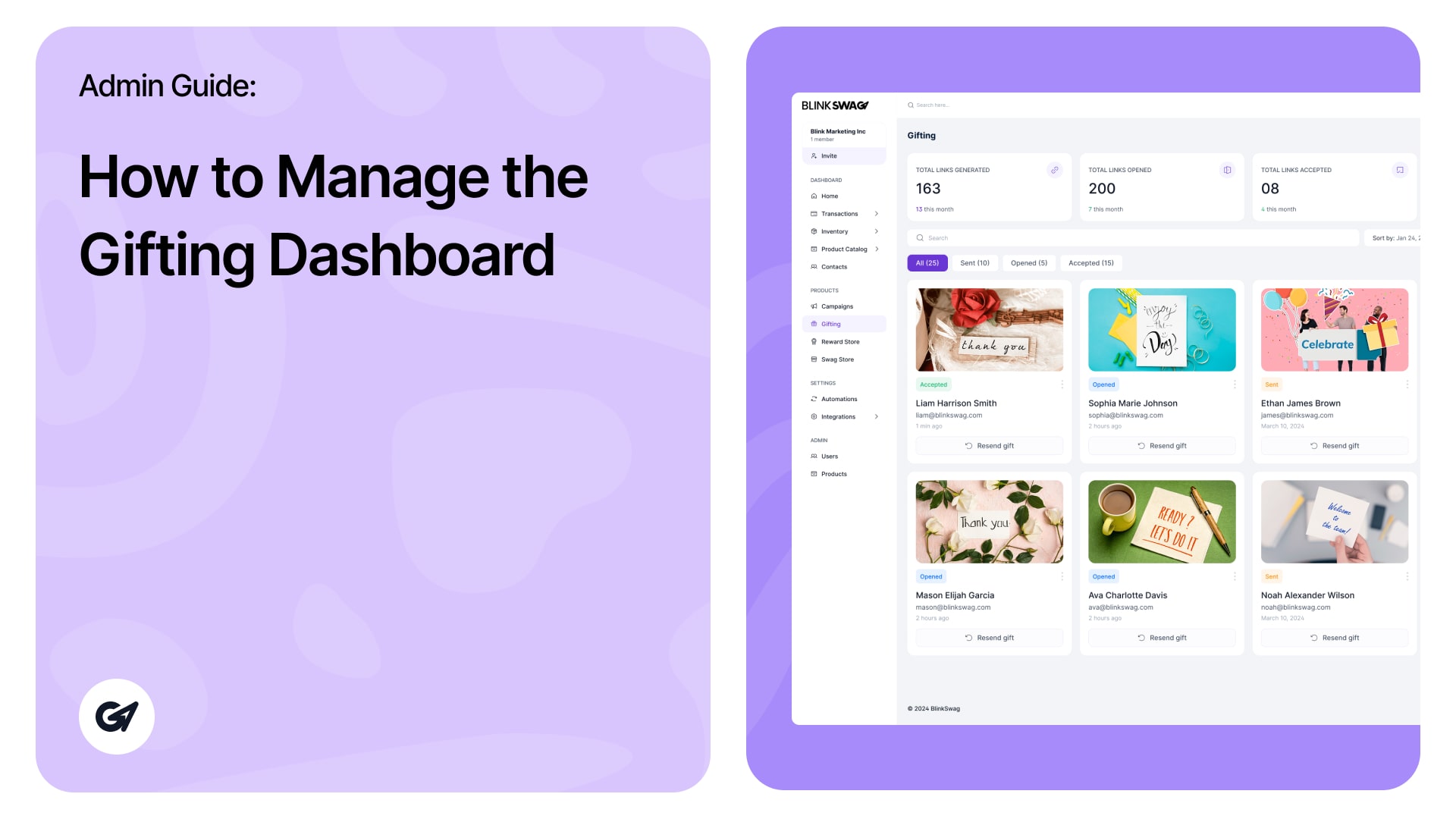
Gifting Dashboard – Admin Guide This guide walks you through the key features and functionalities of the Gifting Dashboard. ? Dashboard Overview At the top of the dashboard, you can view key metrics: Total Links Generated: Shows how many gift …
How to Manage the Gifting Dashboard | Step-by-Step Guide Read more »
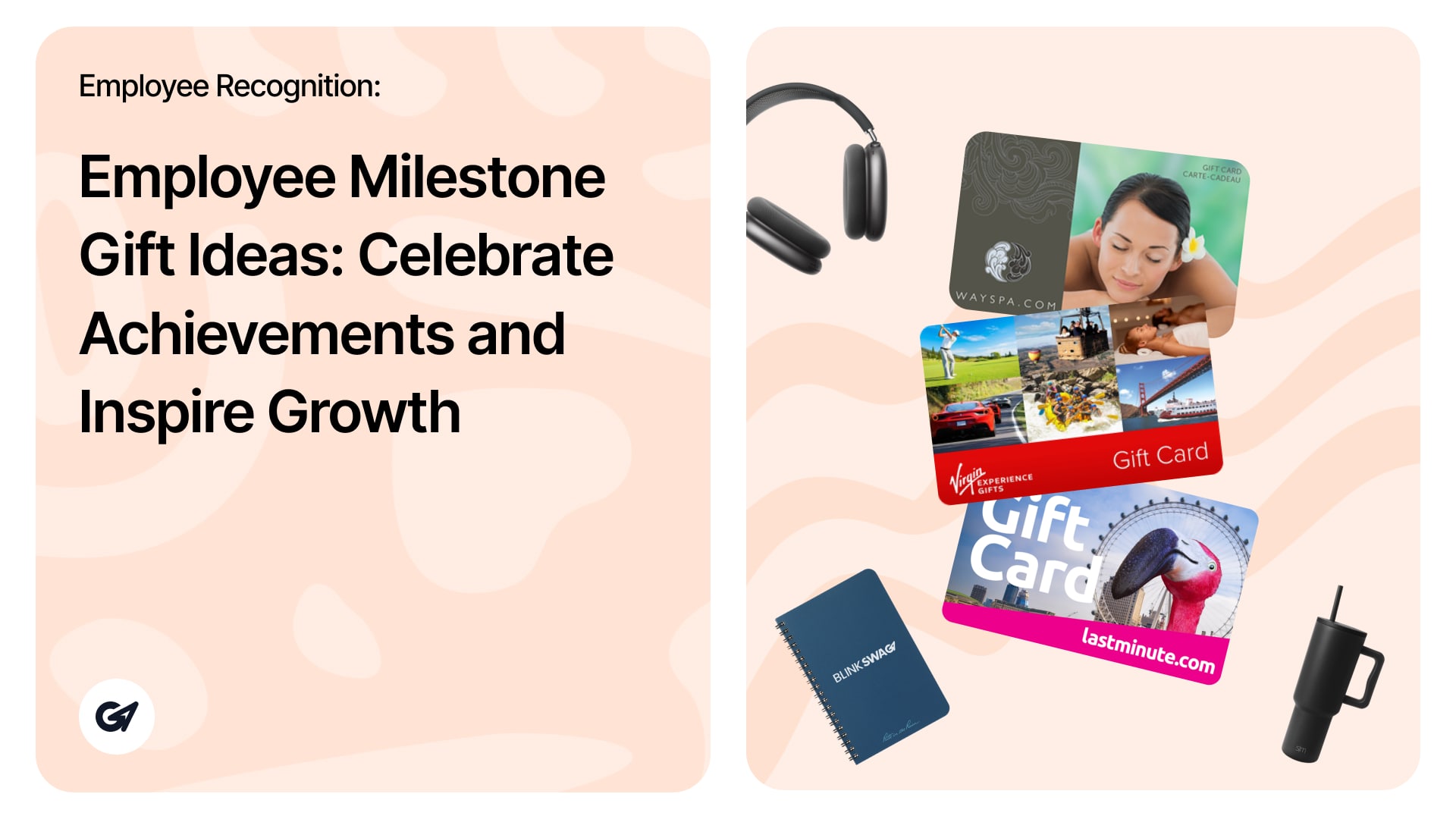
Employee Milestone Gift Ideas: Celebrate Achievements and Inspire Growth Did you know that 79% of employees who quit their jobs cite “lack of appreciation” as their reason for leaving? Employee milestones are a critical opportunity to show your appreciation for …
Employee Milestone Gift Ideas: Celebrate Achievements and Inspire Growth Read more »
The Storage Estimator module helps you calculate the storage space required for your inventory. It allows you to get an instant estimate based on custom dimensions or pre-defined product details. Accessing the Storage Estimator Navigate to Inventory > Storage Estimator …
The Design Reviews section under the Inventory module allows you to manage and track all design-related estimates for your products. This section helps ensure your designs are approved and aligned with your branding requirements. Navigating the Design Reviews Section 1. …