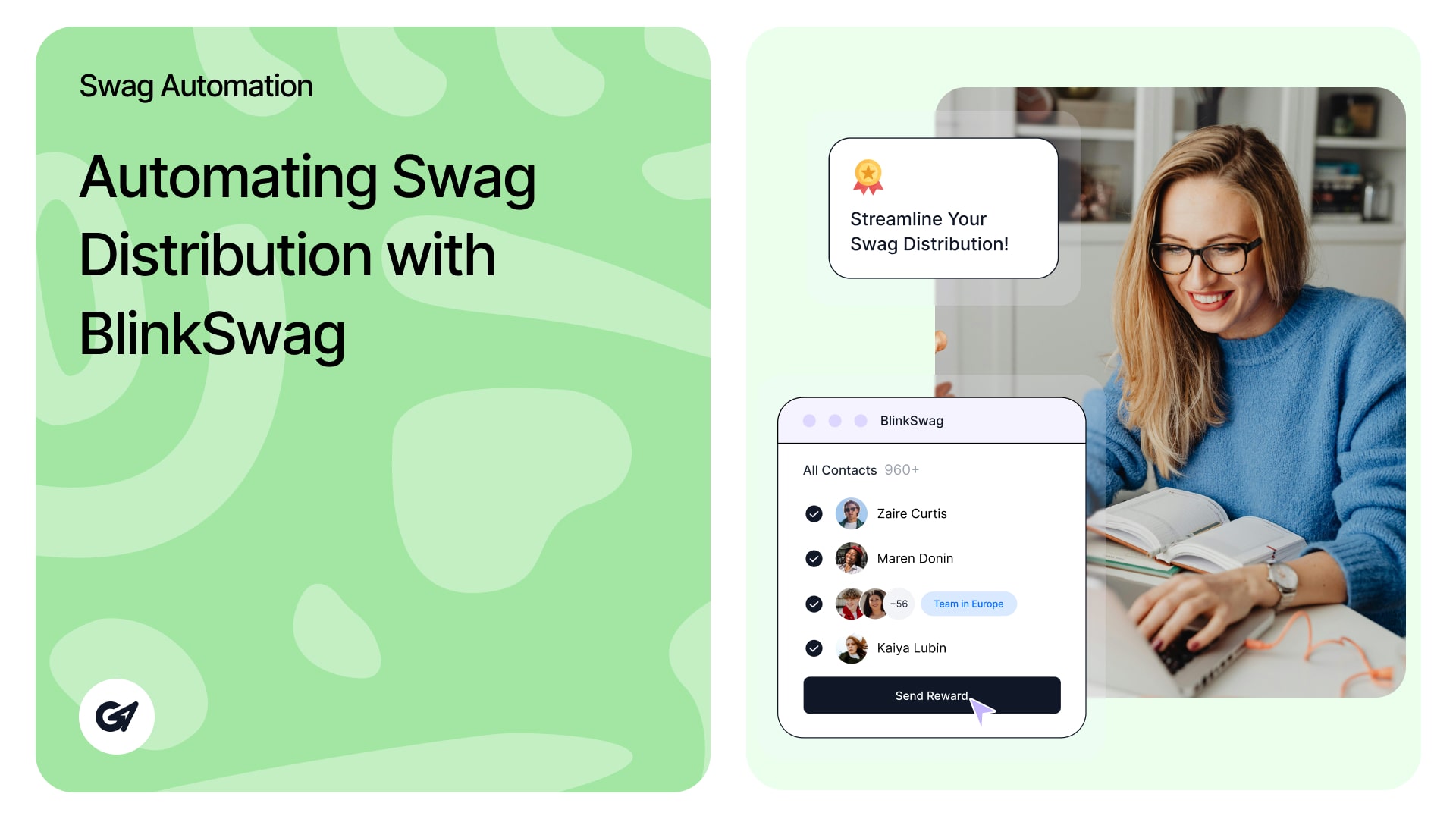
Automation
Automating Swag Distribution with BlinkSwag
Why Automating Swag Distribution Is a Game Changer Every marketing or HR leader knows the struggle: boxes of t-shirts stacked

Why Automating Swag Distribution Is a Game Changer Every marketing or HR leader knows the struggle: boxes of t-shirts stacked
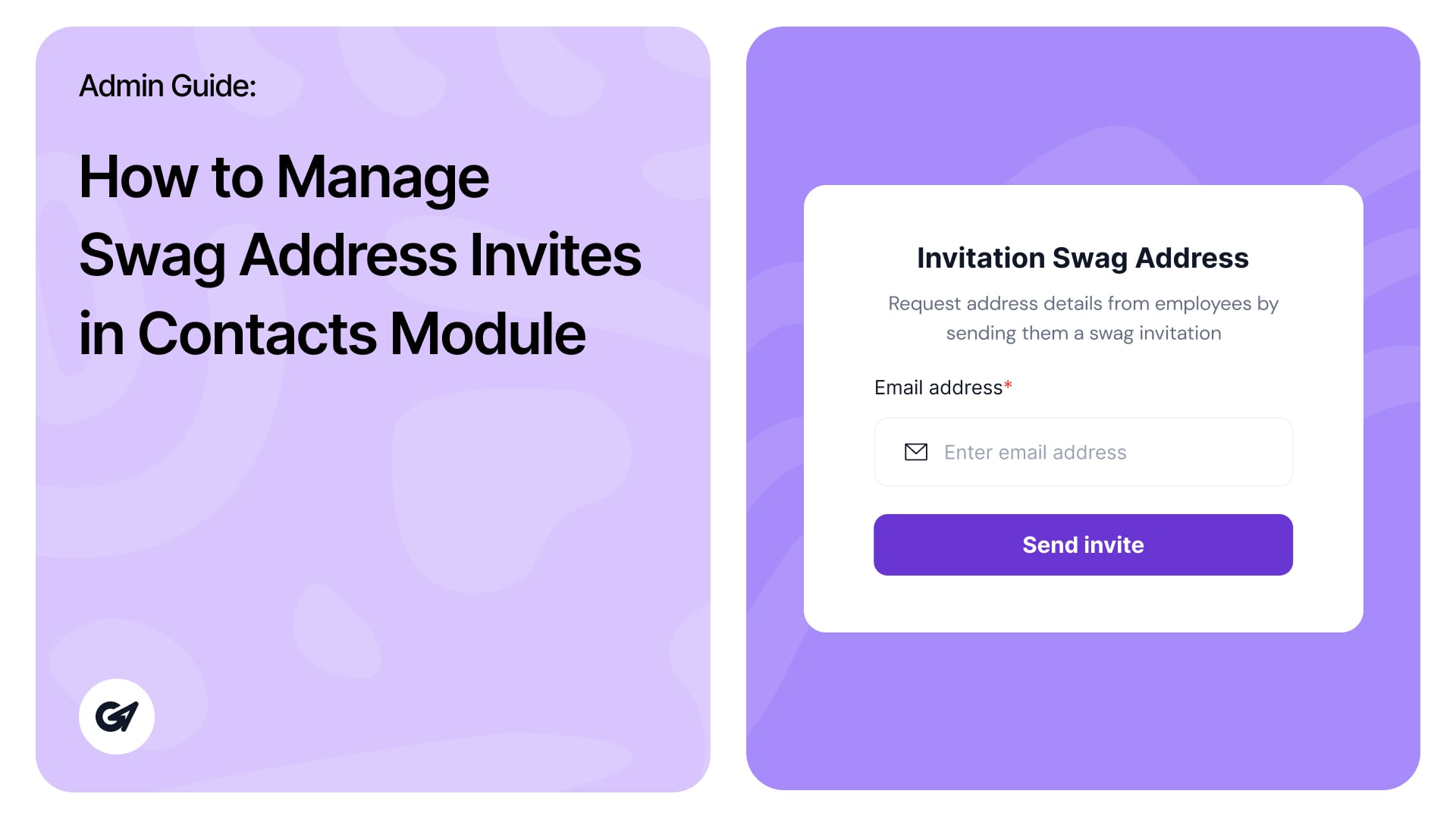
Managing Swag Address Invites in BlinkSwag The Swag Address Invites feature under Contacts Module in BlinkSwag dashboard allows you to
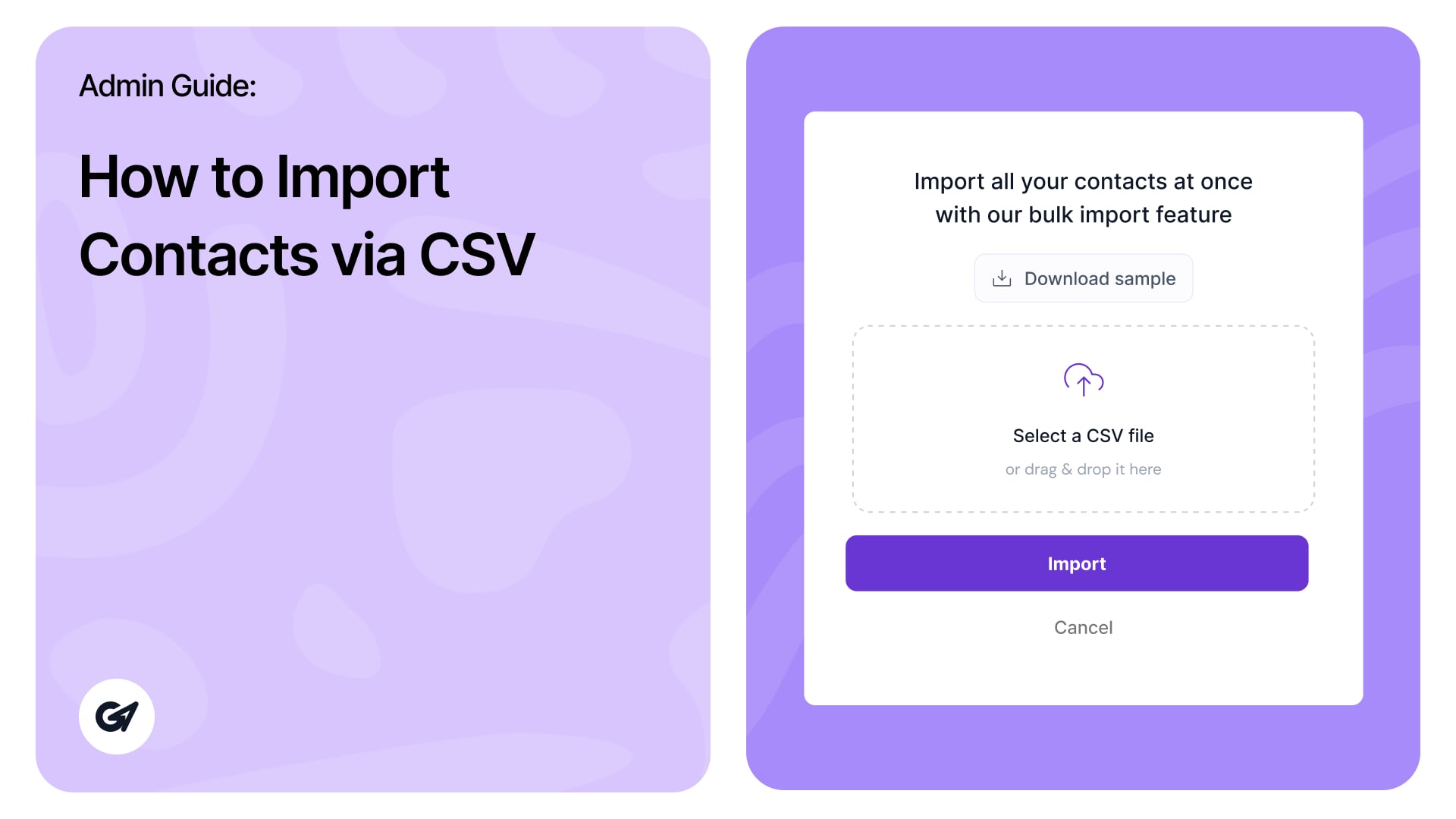
Easily add multiple contacts at once by importing them using a CSV file. Follow the steps below: Step 1: Navigate
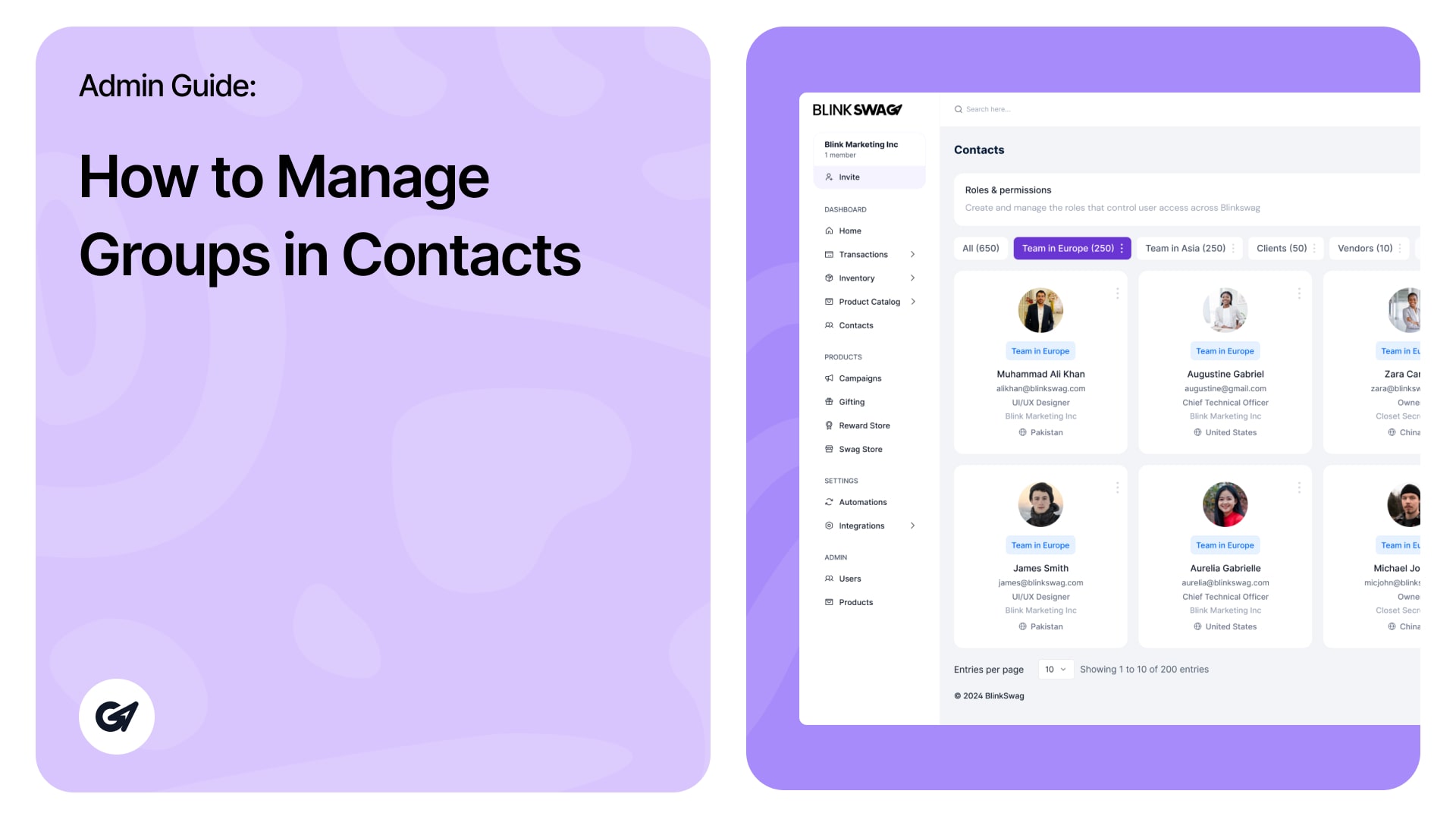
Teams and Groups Organize contacts into teams or groups, such as: USA Team OS Team Vendors No Team This categorization
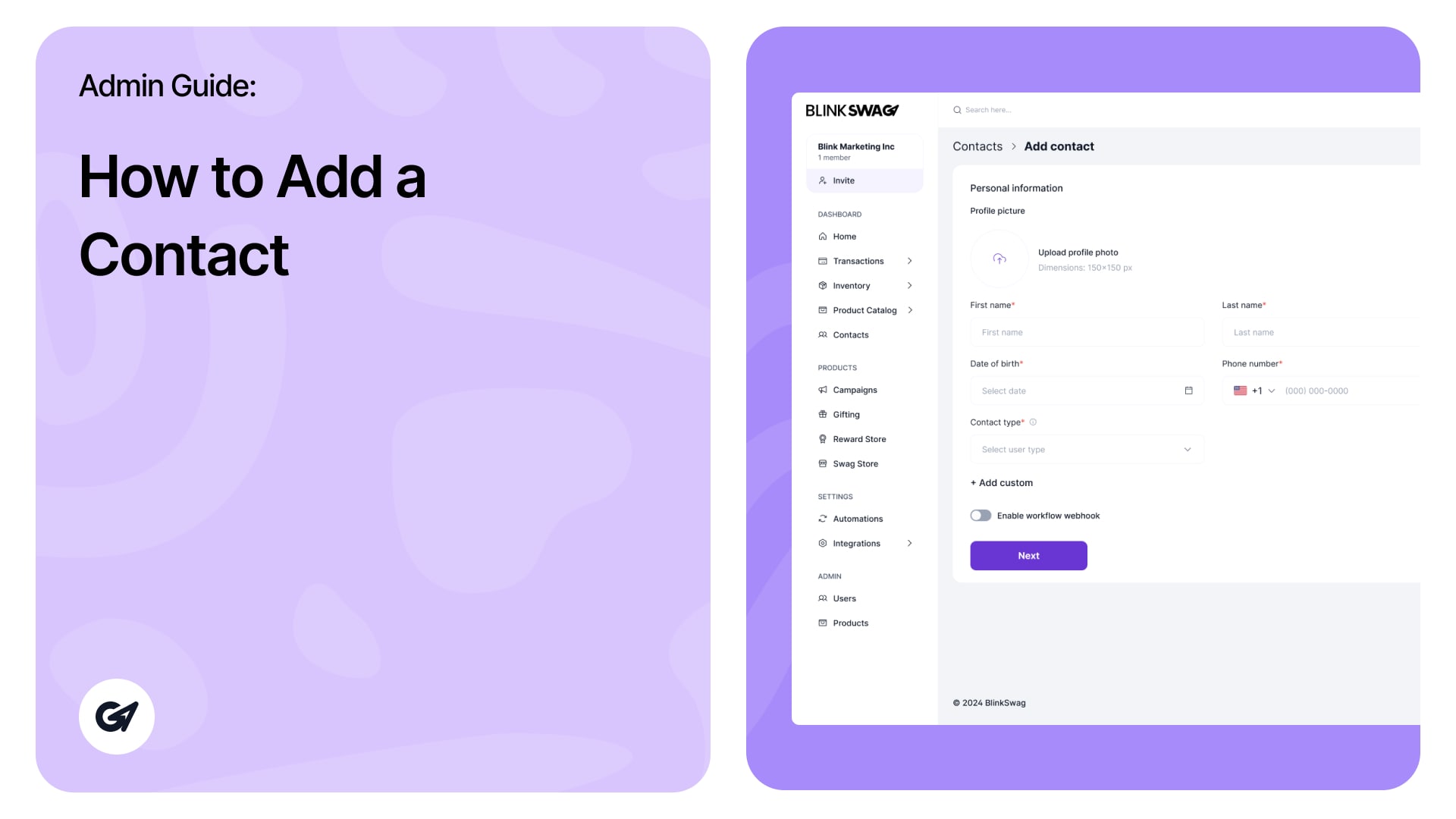
Ready to roll with new contacts? ? You can also watch this quick video to learn how to add a
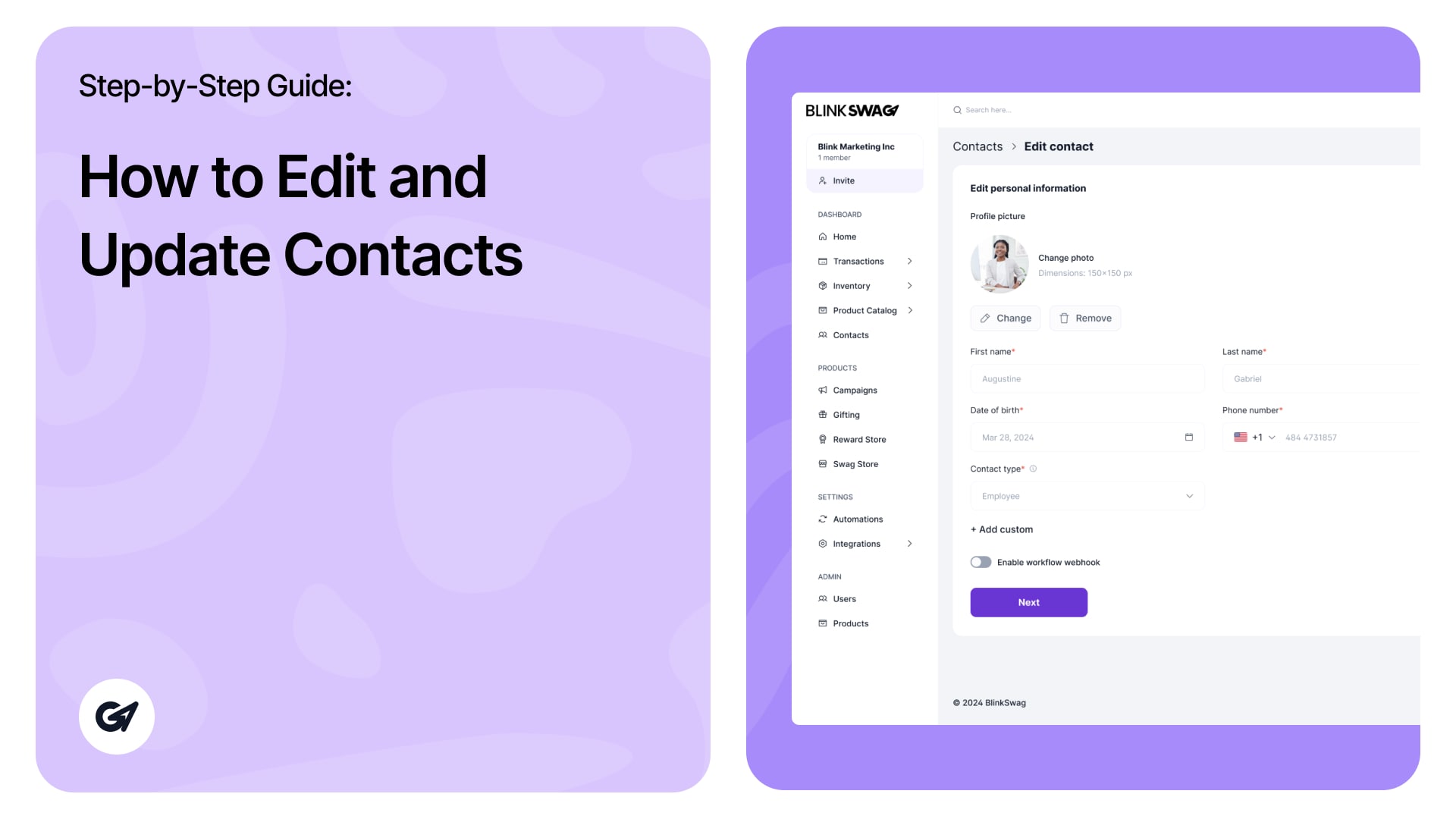
Manage & Update Contact Information In the Contacts section of BlinkSwag, you can easily update contact information and manage actions.
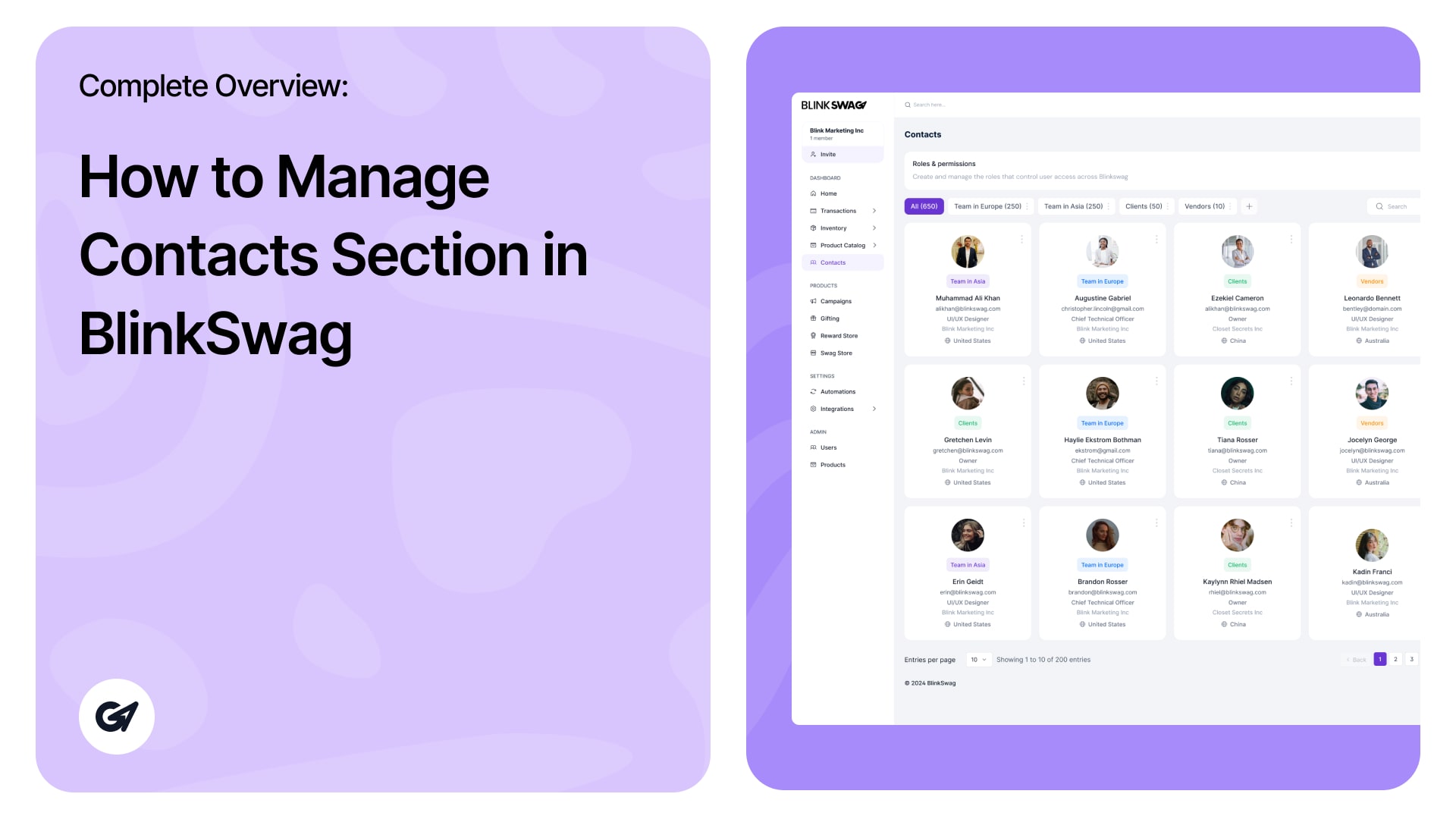
The Contacts Section in BlinkSwag provides a centralized interface to effectively manage and organize your contacts. This guide outlines all features,
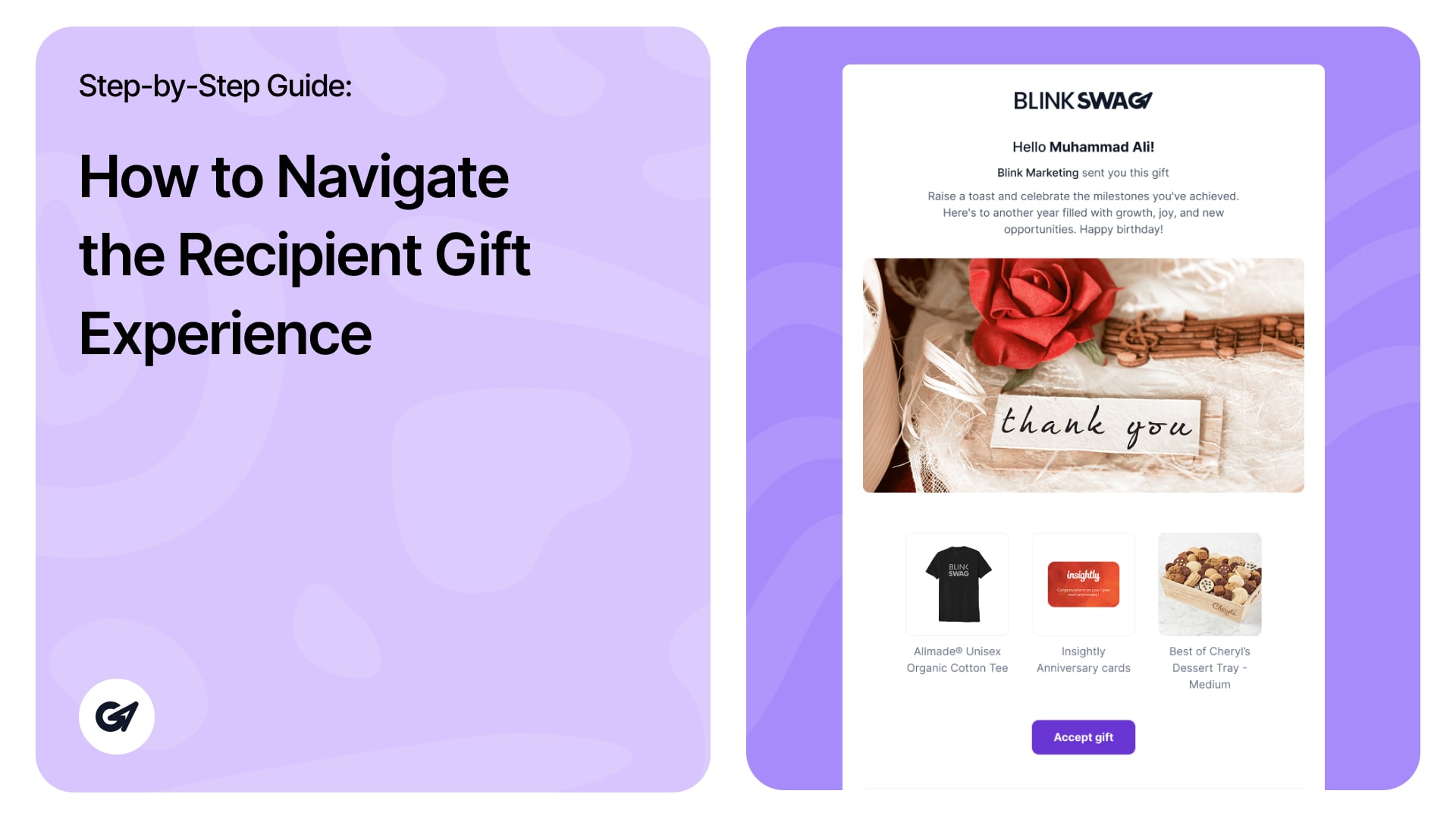
Recipient Gift Experience When recipients click the Gift Link, they go through the following flow to open and accept their
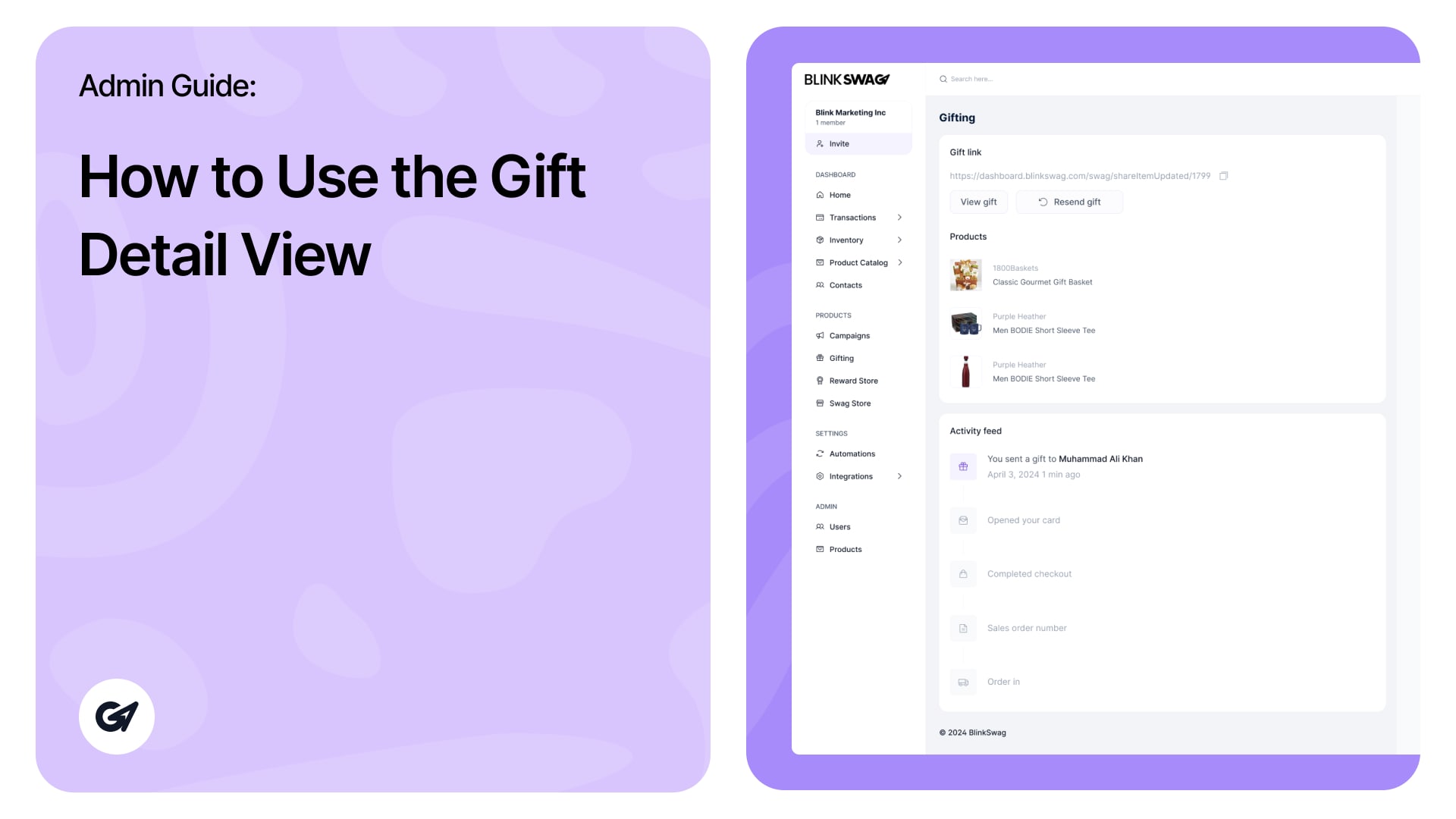
? Gift Detail View—Admin Guide You’ll be taken to the Gift Detail View when you click on a specific gift
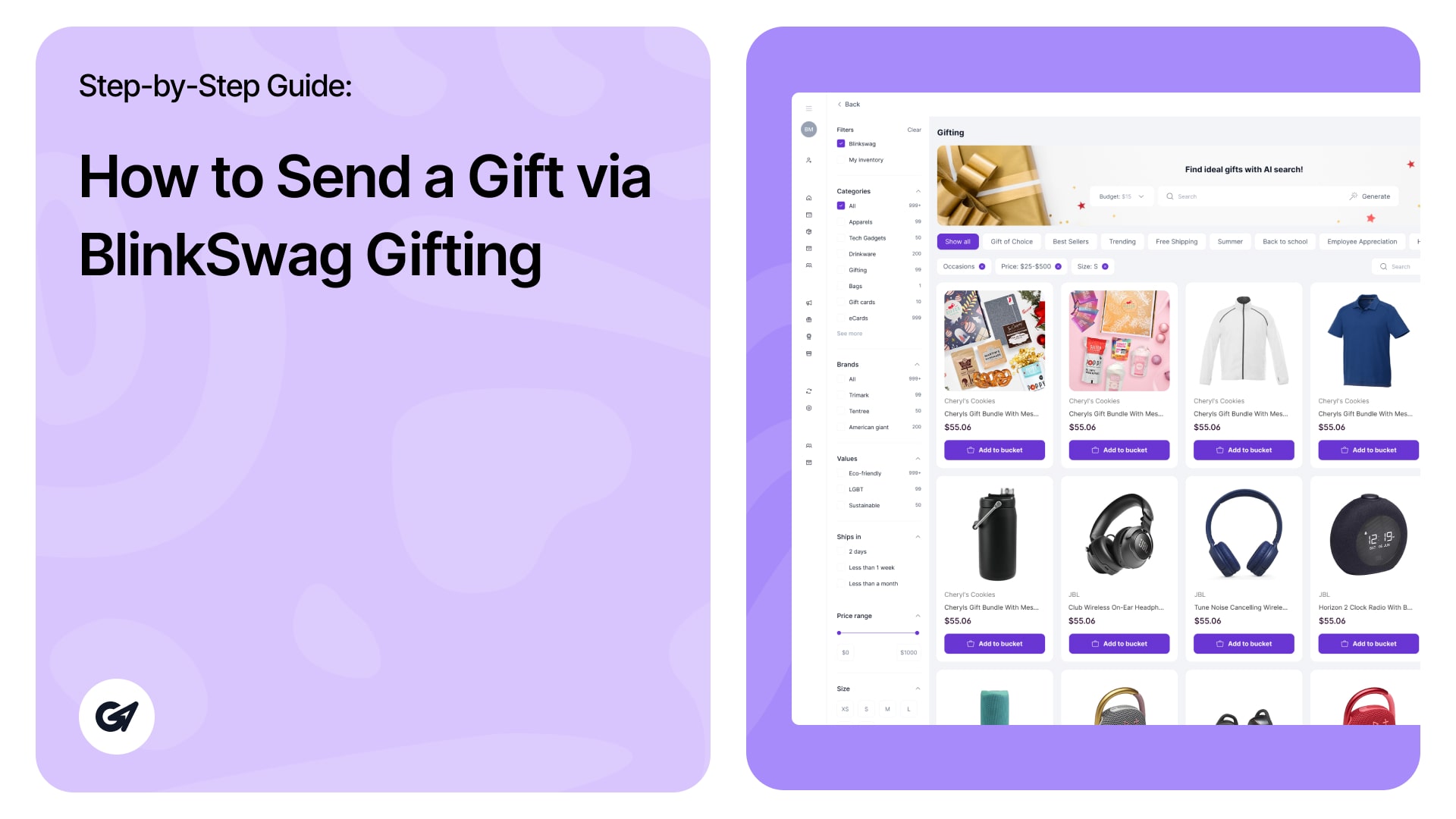
Click the “Send a gift” button at the top-right corner to initiate a new gift. ✅ Step 1: Select a
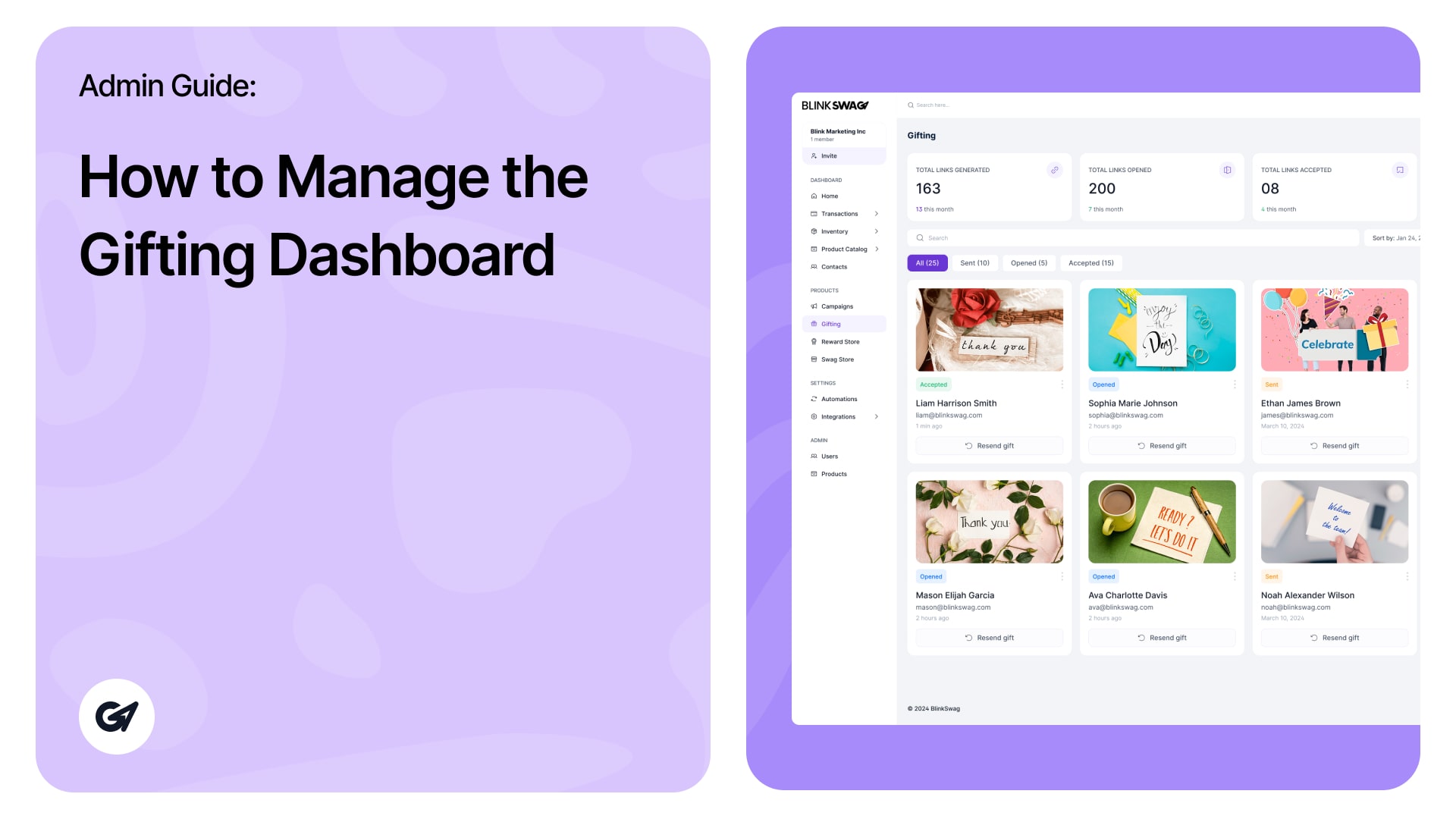
Gifting Dashboard – Admin Guide This guide walks you through the key features and functionalities of the Gifting Dashboard. ?
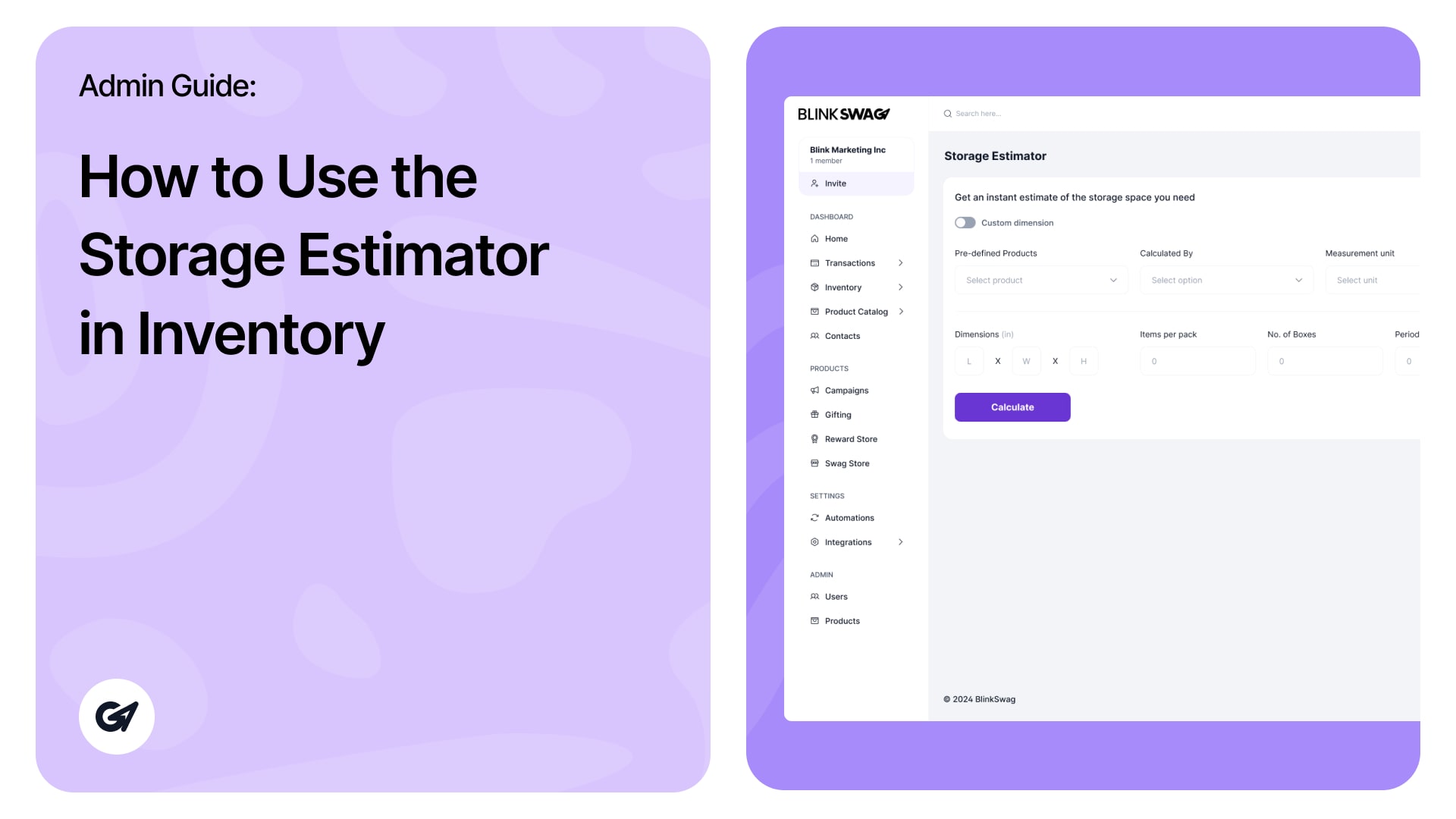
The Storage Estimator module helps you calculate the storage space required for your inventory. It allows you to get an