Recipient Gift Experience
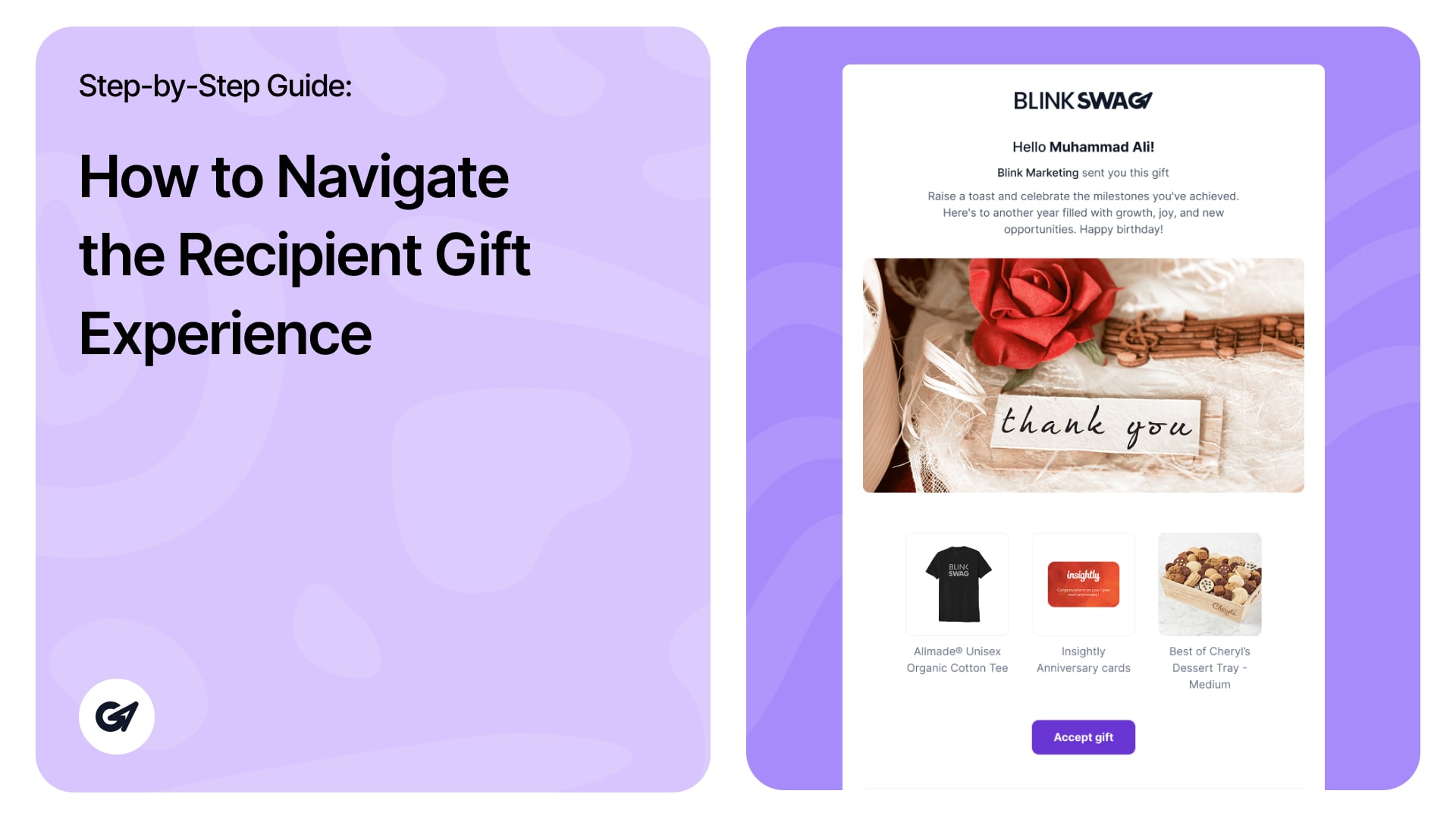
When recipients click the Gift Link, they go through the following flow to open and accept their gift.
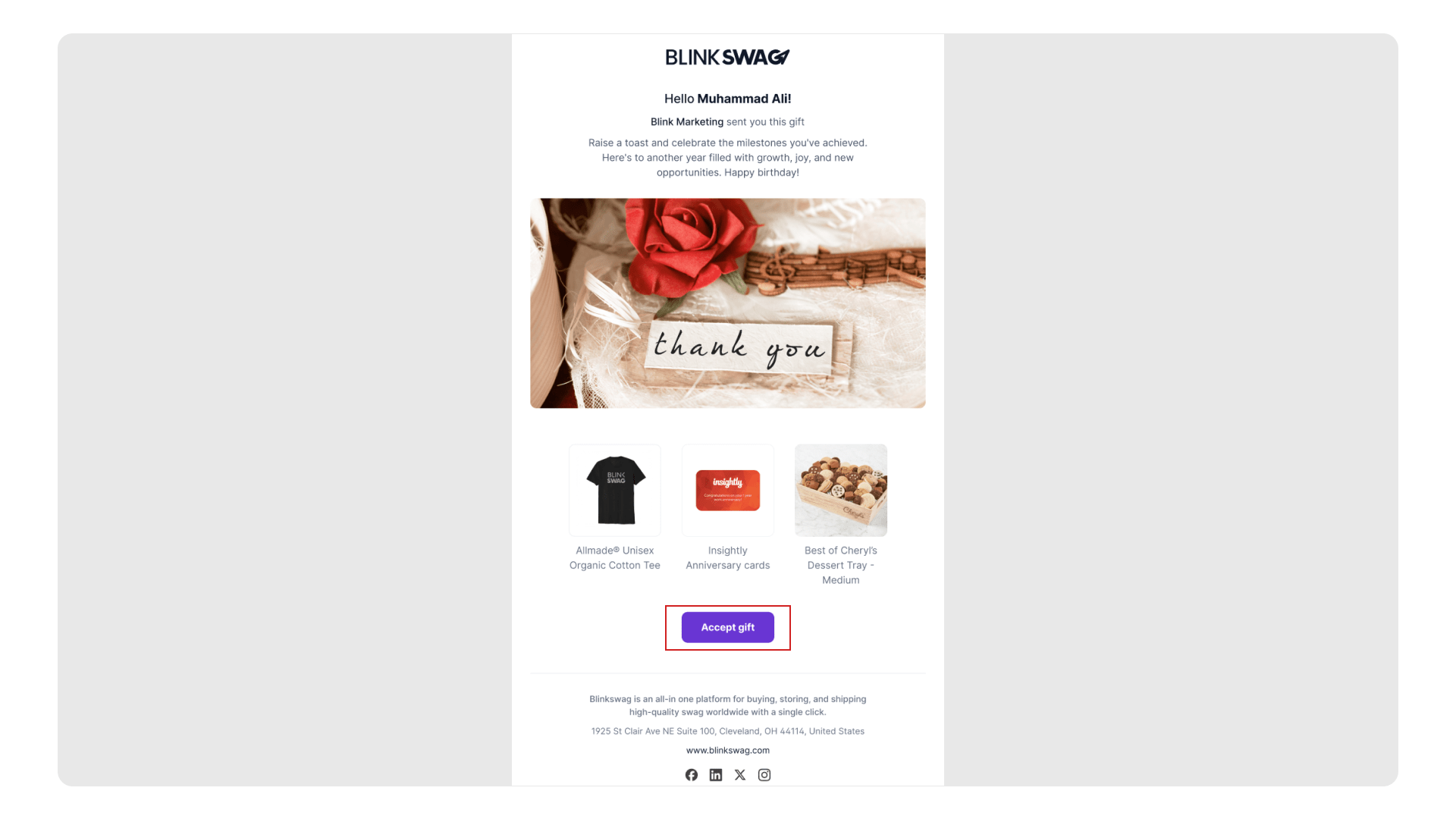
? Step 1: Gift Notification Page
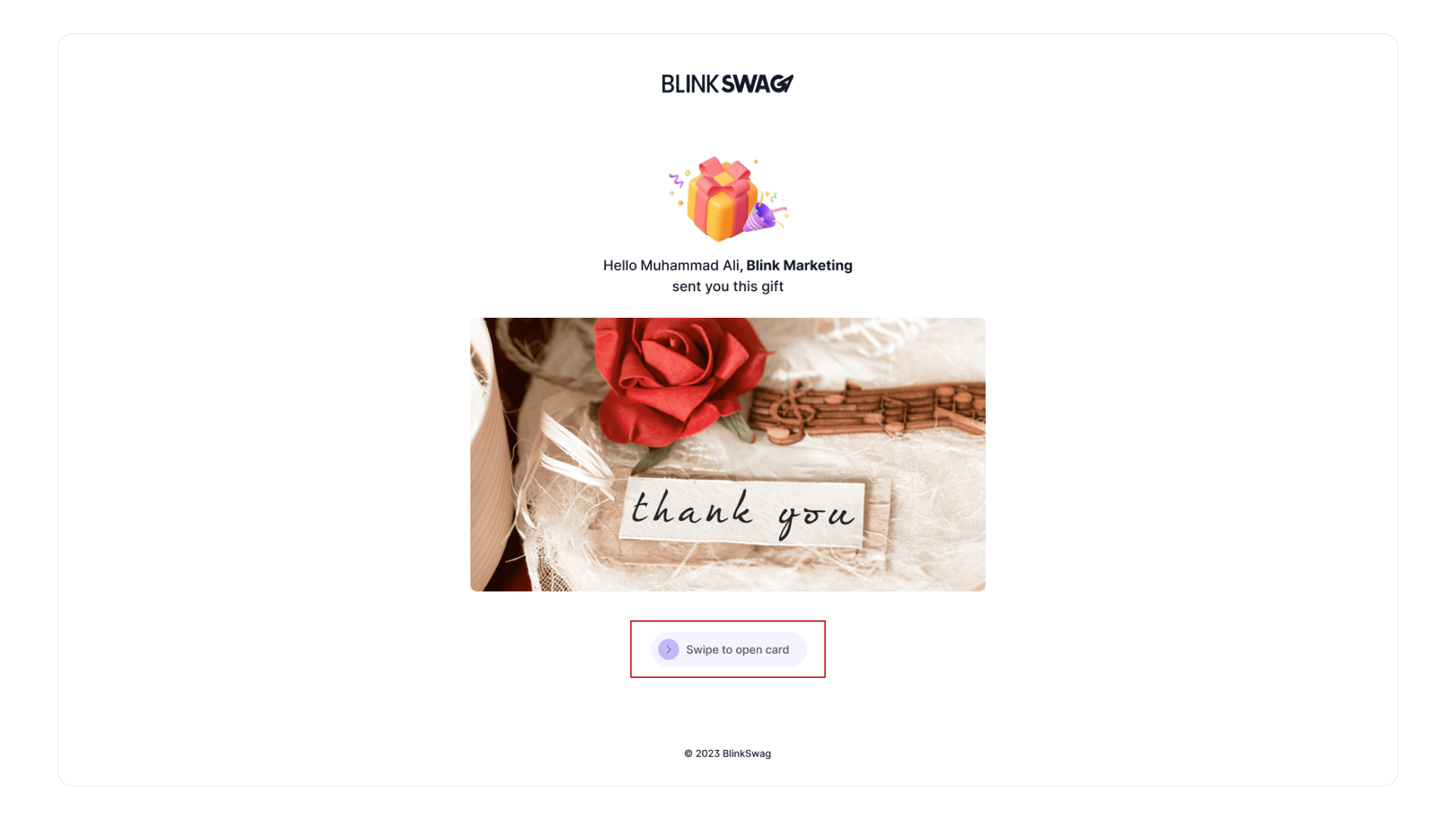
- The recipient sees a welcome message:
“Hello [Name], BlinkSwag sent you this gift” - Festive design with animated/confetti elements and cute characters.
- Call to Action:
? Swipe to open the card
? Step 2: Open Gift Card
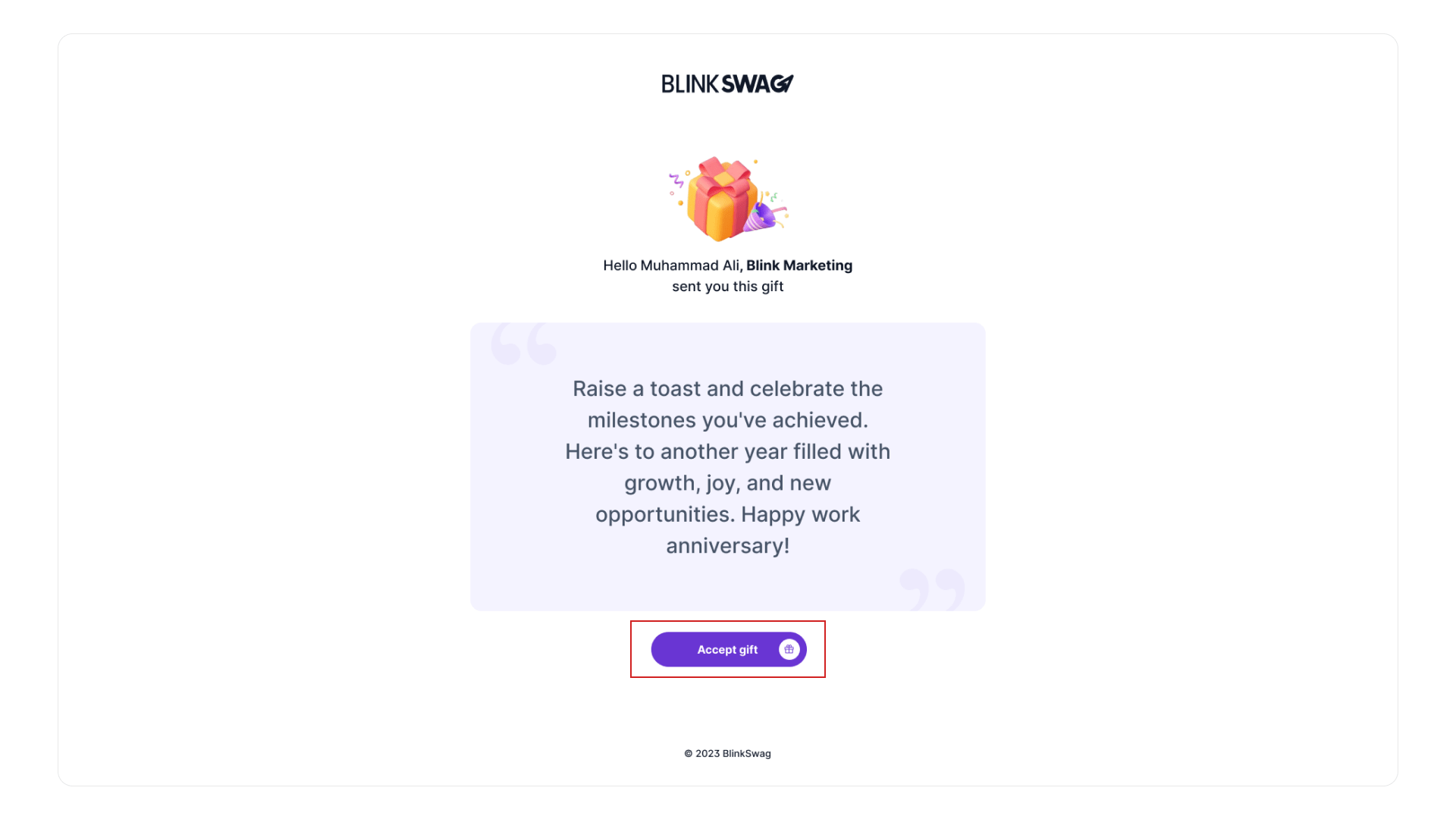
- The recipient views a personalized message from the sender (e.g., “Alee”).
- Button displayed:
? Accept Gift – proceeds to the gift selection/checkout.
? Step 3: View Gift Selection
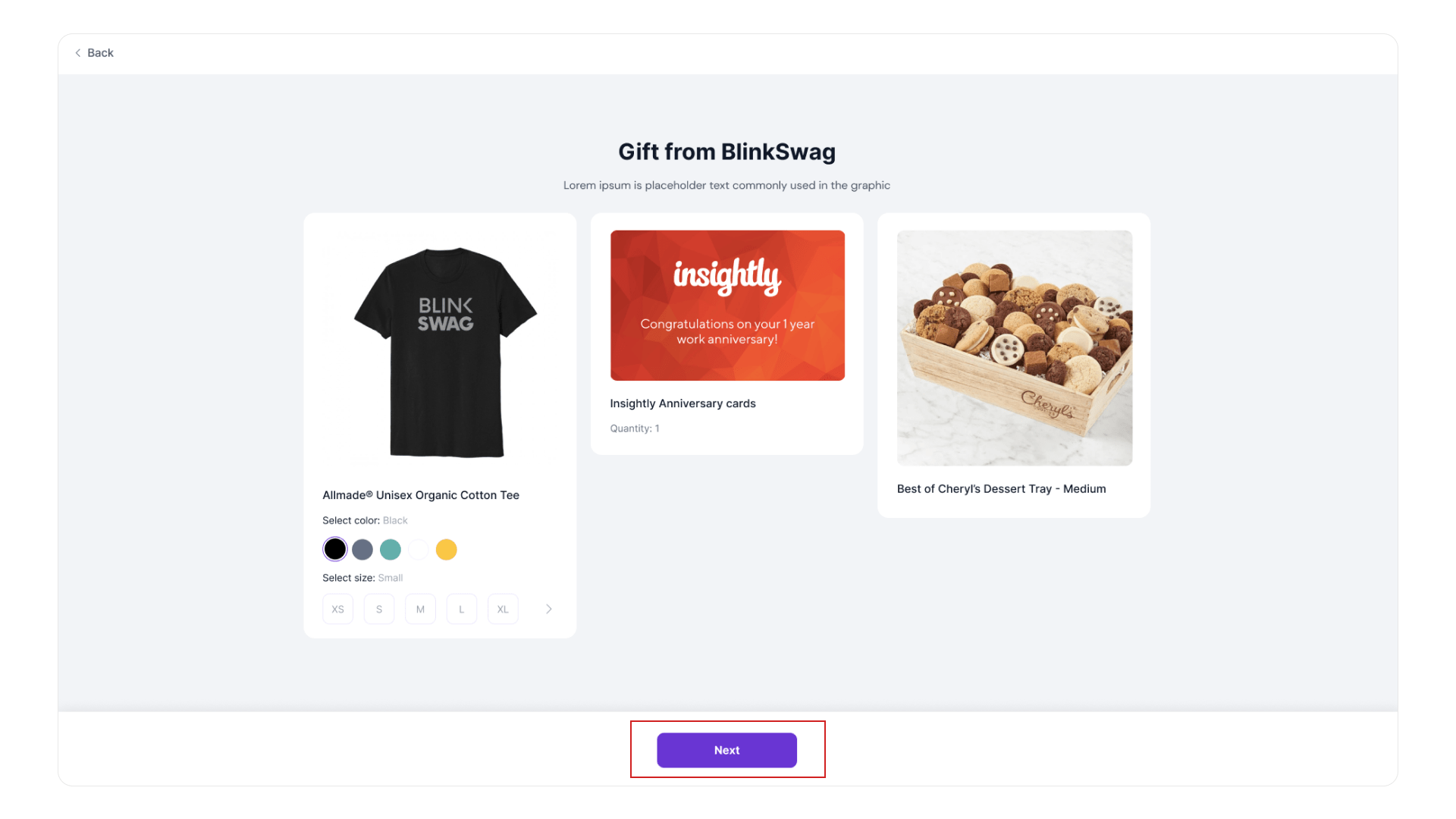
- Gift preview appears (e.g., Classic Gourmet Gift Basket).
- Product image, vendor (e.g., 1800Baskets), and a dropdown for description.
- Next button to continue.
? Step 4: Shipping Details & Checkout
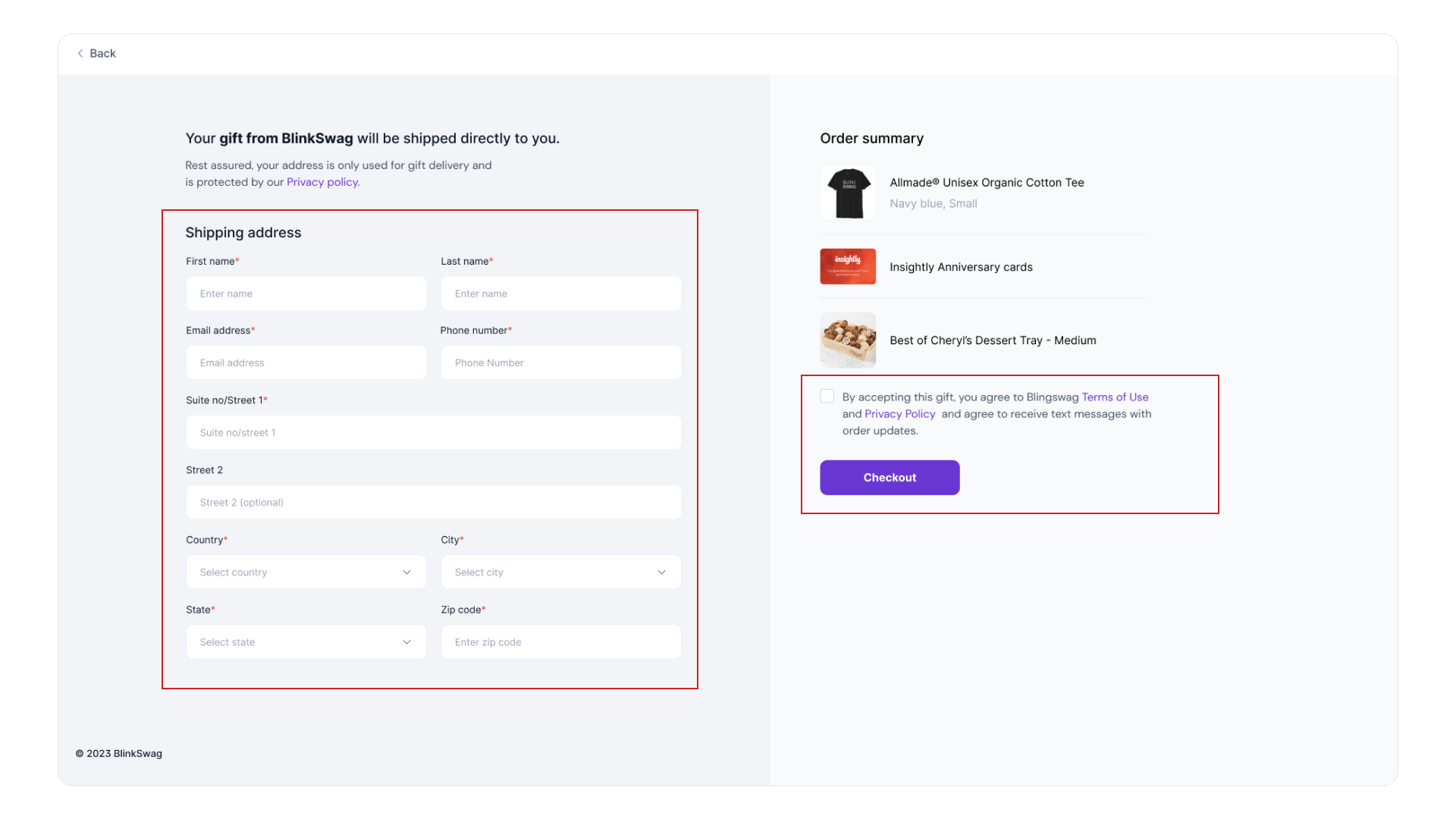
- Recipient enters:
- First & Last Name
- Email & Phone Number
- Shipping Address
- Order Summary on the right shows selected gift.
- Terms checkbox must be checked.
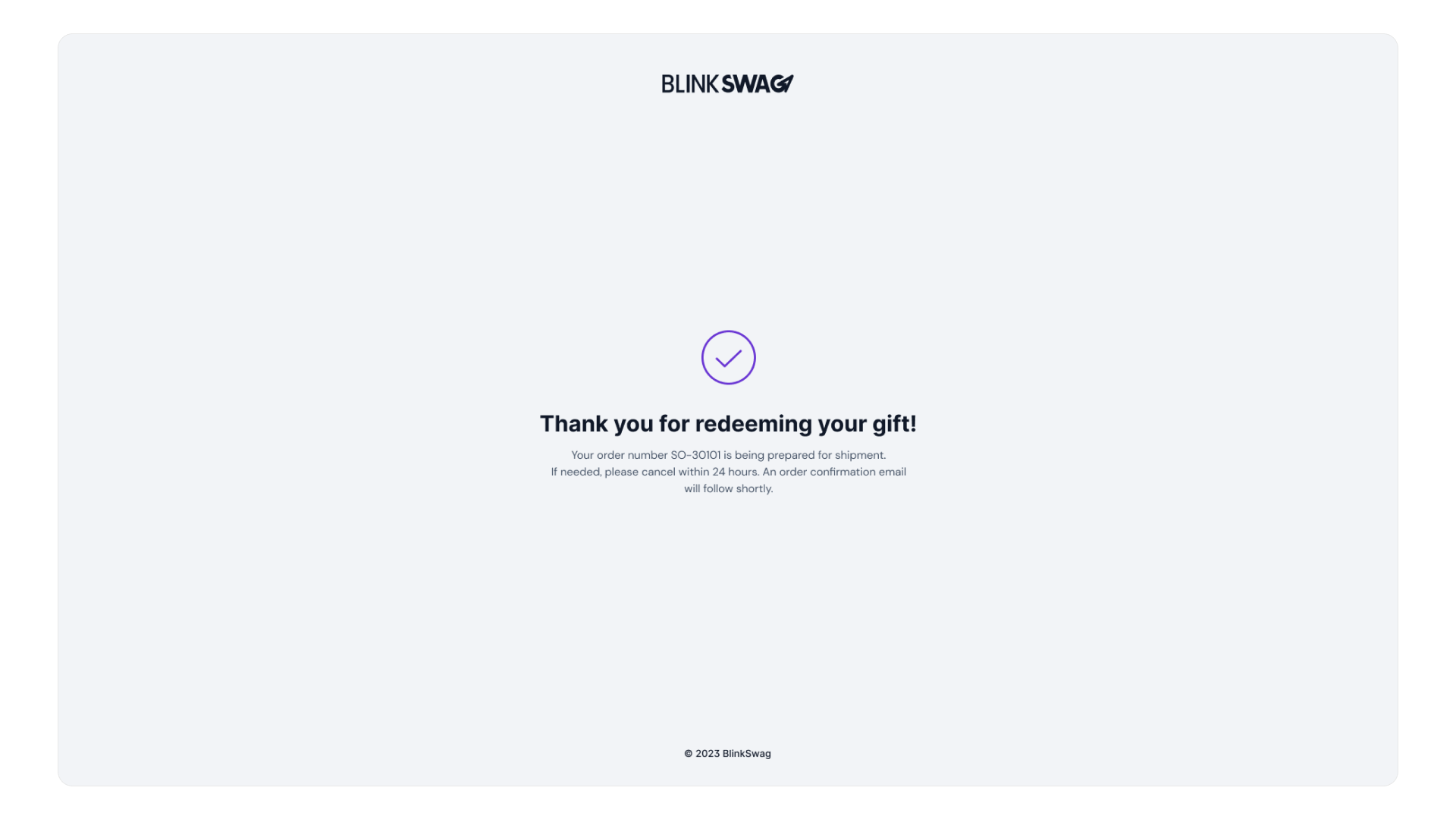
- Checkout button finalizes the gift acceptance.
Curious about how your recipient experiences their BlinkSwag gift? ? Watch this quick guide and unlock the secret to a smooth gift redemption! ?